APRS Connect 1.3: six kinds of connection
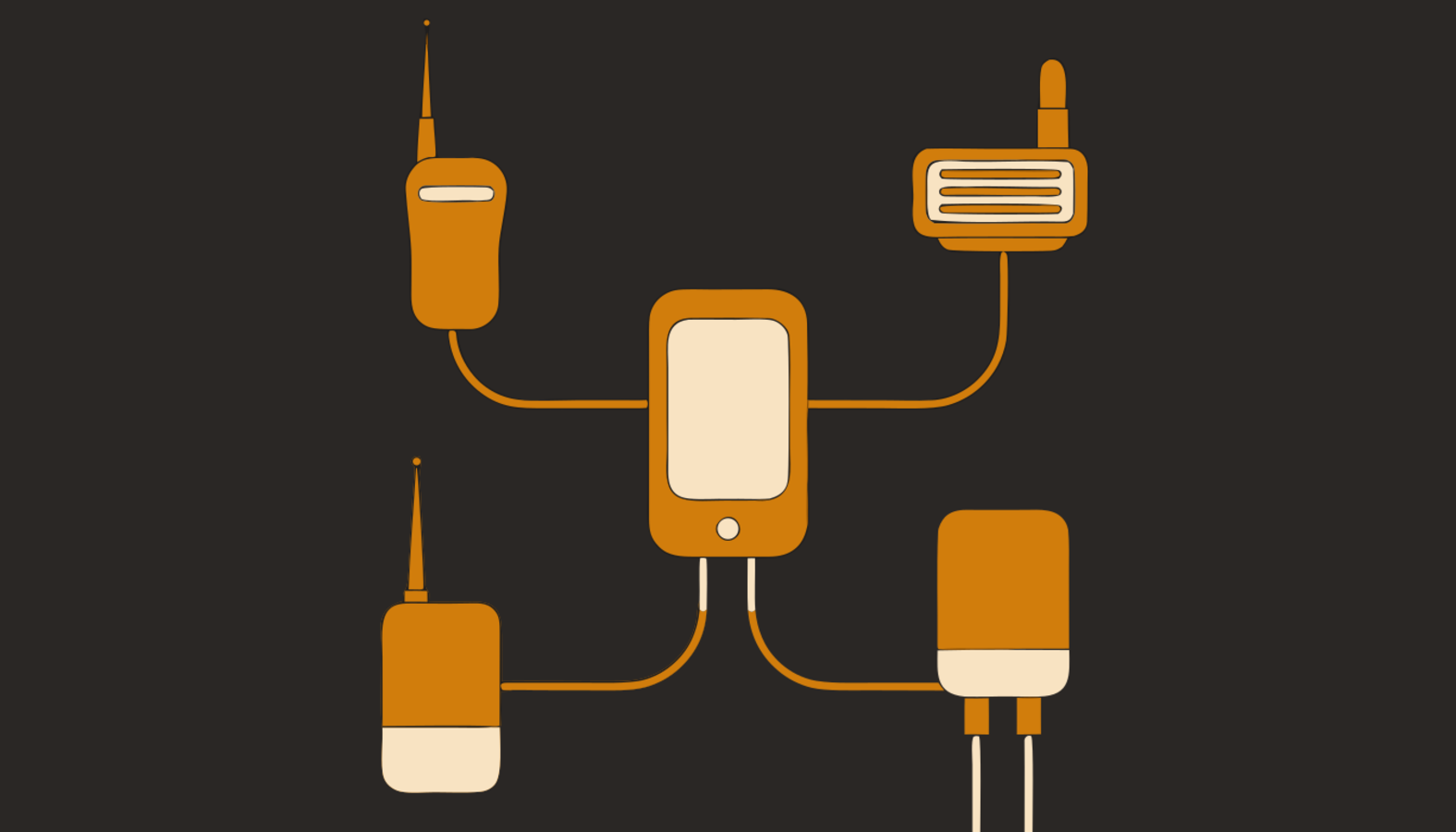
APRS Connect 1.3 is on Google Play, and the biggest change since launch is how many ways the app now reaches a radio. At release there were two: a paired Bluetooth KISS TNC, or APRS-IS over the internet. As of 1.3 there are six, and they run side by side as named channels.
The six channel types
| Channel | What it connects |
|---|---|
| Bluetooth TNC | A paired Bluetooth Classic KISS TNC — a TH-D74/D75's built-in TNC, or a Mobilinkd |
| Bluetooth LE TNC | Newer low-energy TNCs like the Mobilinkd TNC4 in LE mode, found by scan |
| USB TNC | Any serial KISS TNC on an OTG cable, detected when you plug it in |
| Audio modem | No TNC at all — the phone encodes and decodes the packet tones itself |
| Network TNC | KISS over TCP to Direwolf or any network TNC on your LAN |
| APRS-IS | The internet backbone, no radio required — including true receive-only |
Channels are named — "Truck", "Shack Direwolf" — and any combination can run at once. Local links run one of each kind at a time, because the phone has one Bluetooth Classic connection, one USB port, one microphone; network links run in any number. Every frame in the packet log records which channel carried it.
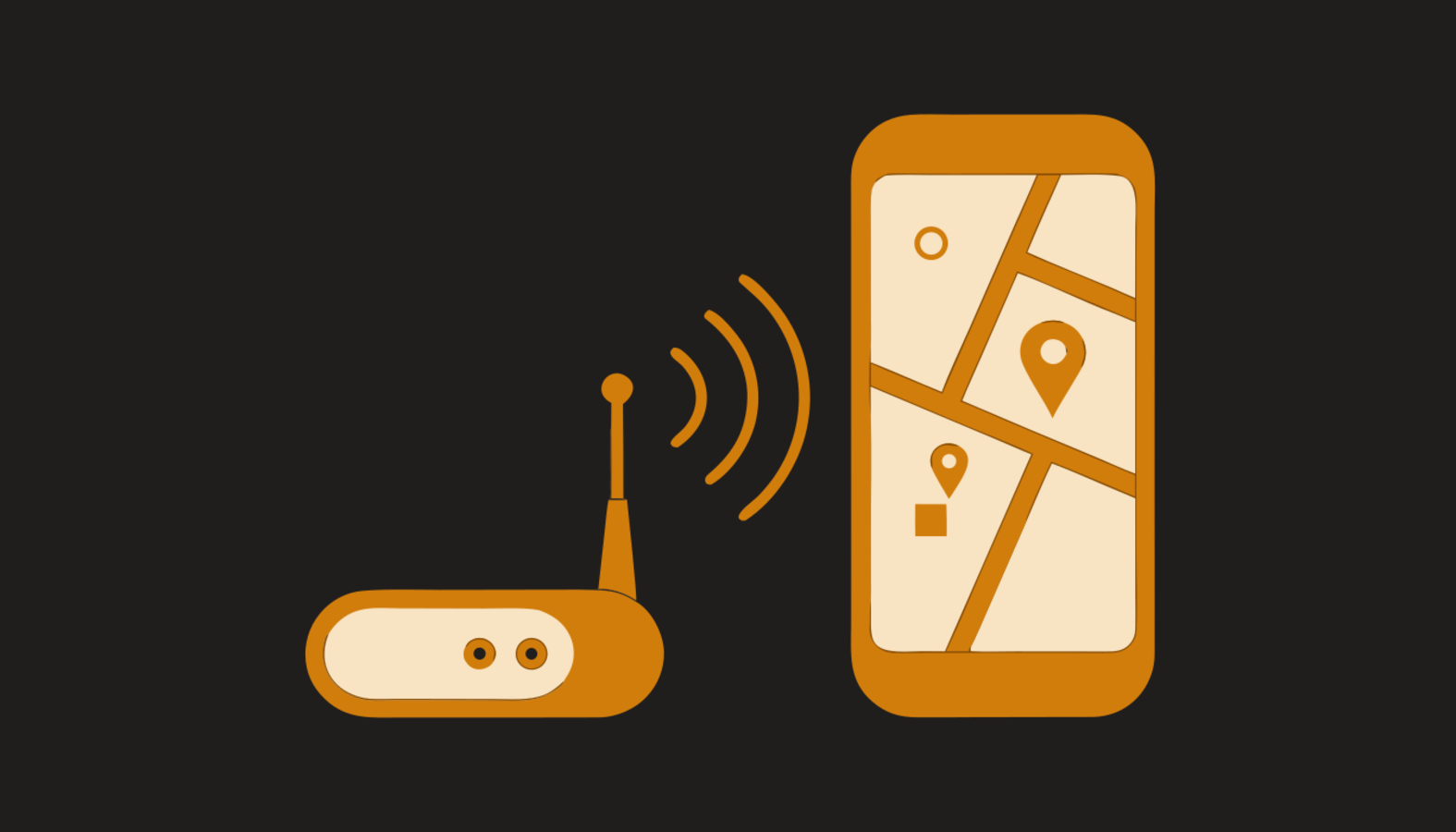
Beacons decide where they go
With several radios connected, routing matters. Each beacon carries its own Send via setting: everywhere, or only the channels you name — the truck's beacon to the truck's radio, everything to APRS-IS. A beacon pinned to channels that are not connected does not go out and does not fall back to another; messages go out over every connected link, and the log records which ones carried them.
Status that tells the truth
Every channel row reports its live state, with received and sent counters. A link that is up but hearing nothing says CONNECTED · QUIET rather than pretending traffic exists or claiming a failure — a quiet frequency is not a fault. A channel that cannot come up says why, in words: no device paired, no host set, no callsign yet. And a connected TNC that never hears anything gets the right first question put on screen: is the radio actually in KISS mode?
Where to start
The documentation has a guide per connection type, starting from Connect a radio — which one fits your hardware, what to buy if you have none, and the troubleshooting for each. If you are new to all of it, Getting started begins with no radio at all.