The tab bar is yours to arrange
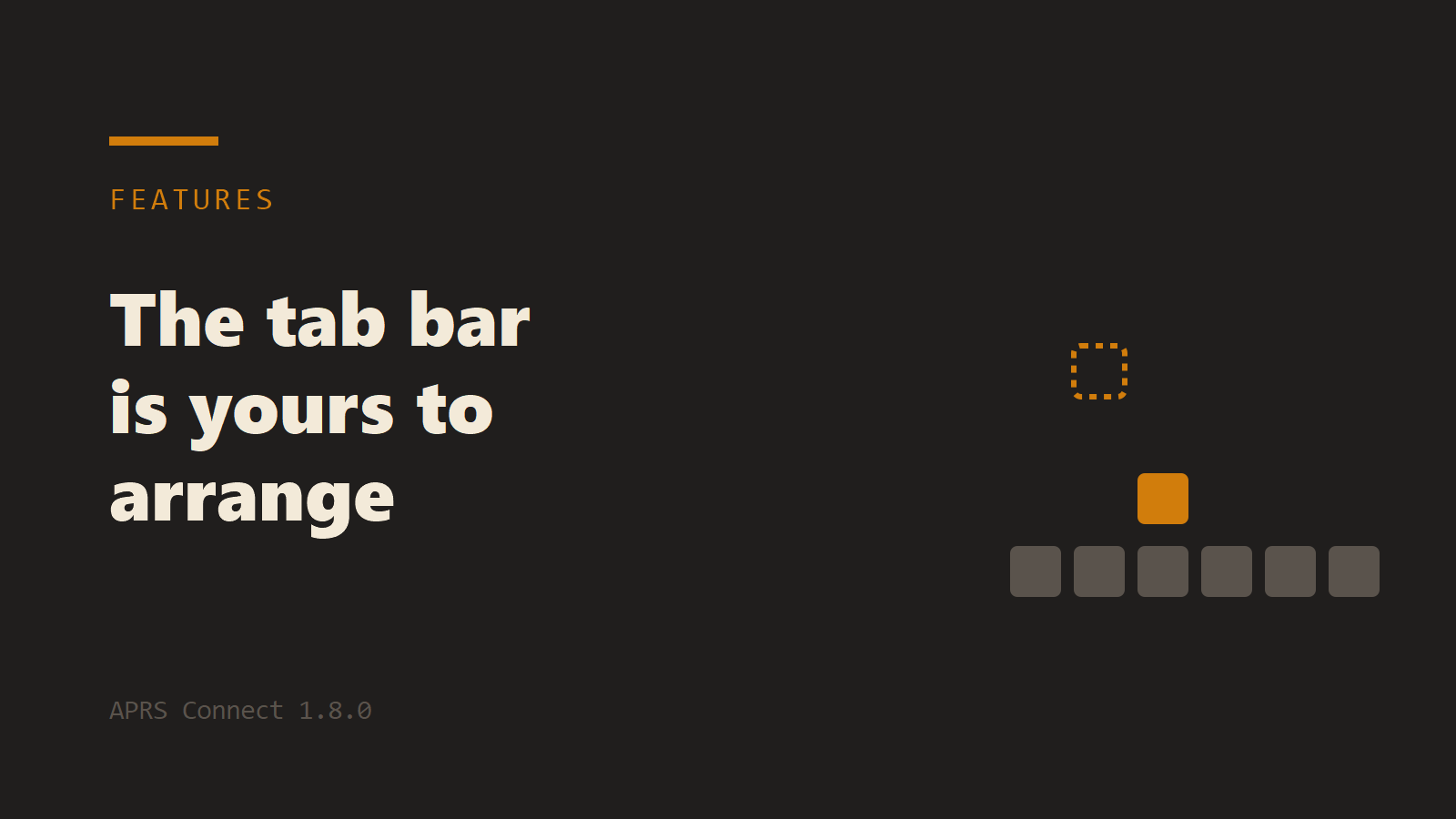
APRS Connect has always had six cells along the bottom and a More menu for everything else. As the app grew, the More menu grew with it, and the screens people use most were not always the ones that had a cell. 1.8.0 replaces the menu with a drawer, and the bar becomes something you arrange.
The drawer
Tap the small arrow above the bar, or swipe up anywhere on the bar, and a drawer opens showing every screen in the app as a tile. The six that are currently on the bar are its top row. Everything else, Settings, archived threads, the grid square tool, the waiting list and the rest, is in the rows below.
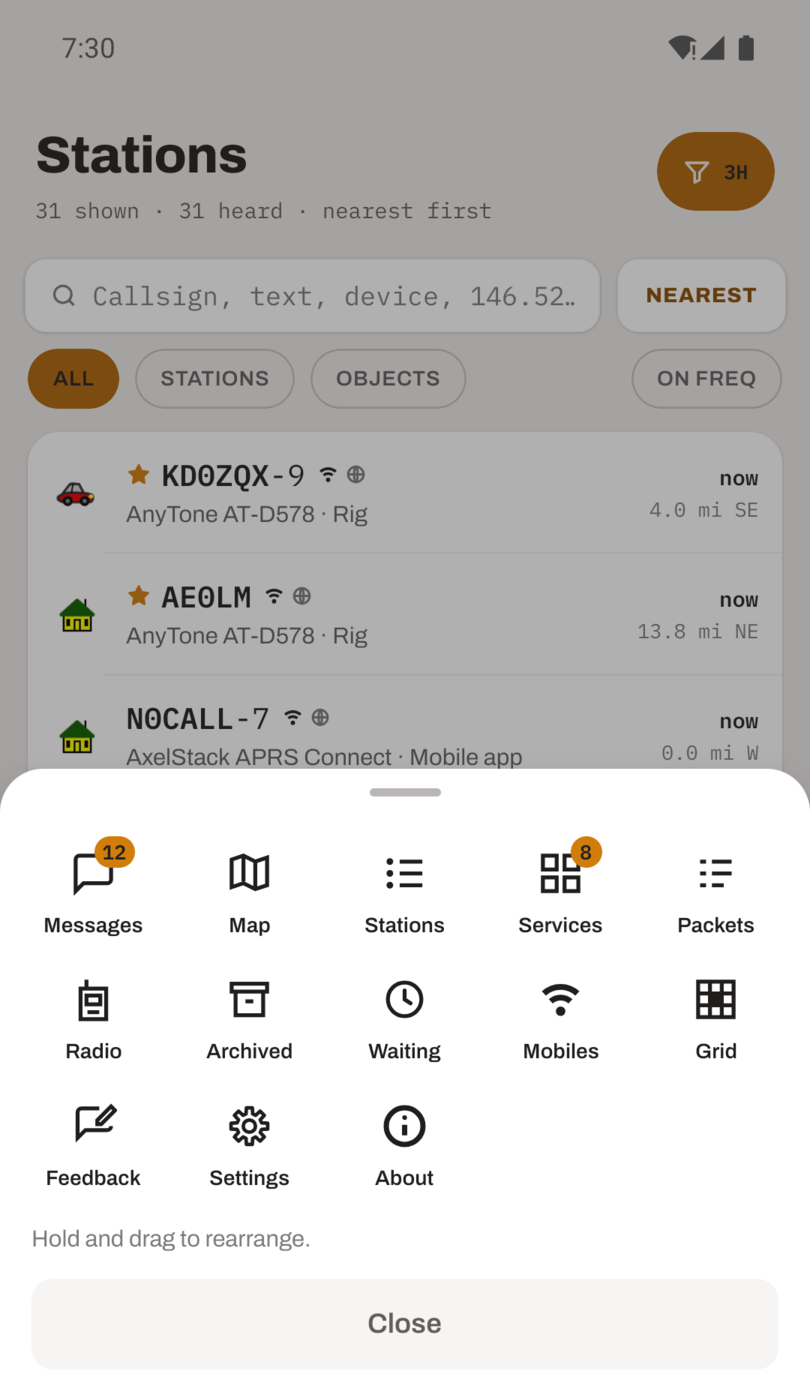
Tapping a tile opens that screen, so the drawer is also the way to reach anything that is not on the bar.
Arranging it
Hold any tile and drag it onto another and the two swap places. Nothing else moves. Drag something onto a tile in the top row and it takes that place on the bar, and the tile it landed on goes where the dragged one came from. It is a swap, not an insertion, so the rest of your arrangement never shifts under you. The arrow above the bar is not a tile and never moves.
The order is saved on the phone and included in a backup, so a restored phone comes back with your bar.
The first cell is home
The app opens on whatever is in the first cell. Put the map first and the app starts on the map. Put Stations first and it starts there. Only a tab can be the starting screen: if the first cell holds something that opens over the top, such as Settings, the app starts on the first tab after it.
A screen that was never a tab still opens the way it always did when you put it on the bar, over the top with a back button rather than switching in place. Settings on the bar is a shortcut to Settings, not a seventh tab.
Why now
The grid square tool shipped in the same release, and the IGate and digipeater have screens of their own. None of them earned a permanent cell for everyone. In the drawer they are one swipe away for anyone, and one drag away for anyone who wants them on the bar. That is the reason the drawer exists.
The tab bar is described in Getting started.