Reading a raw APRS packet
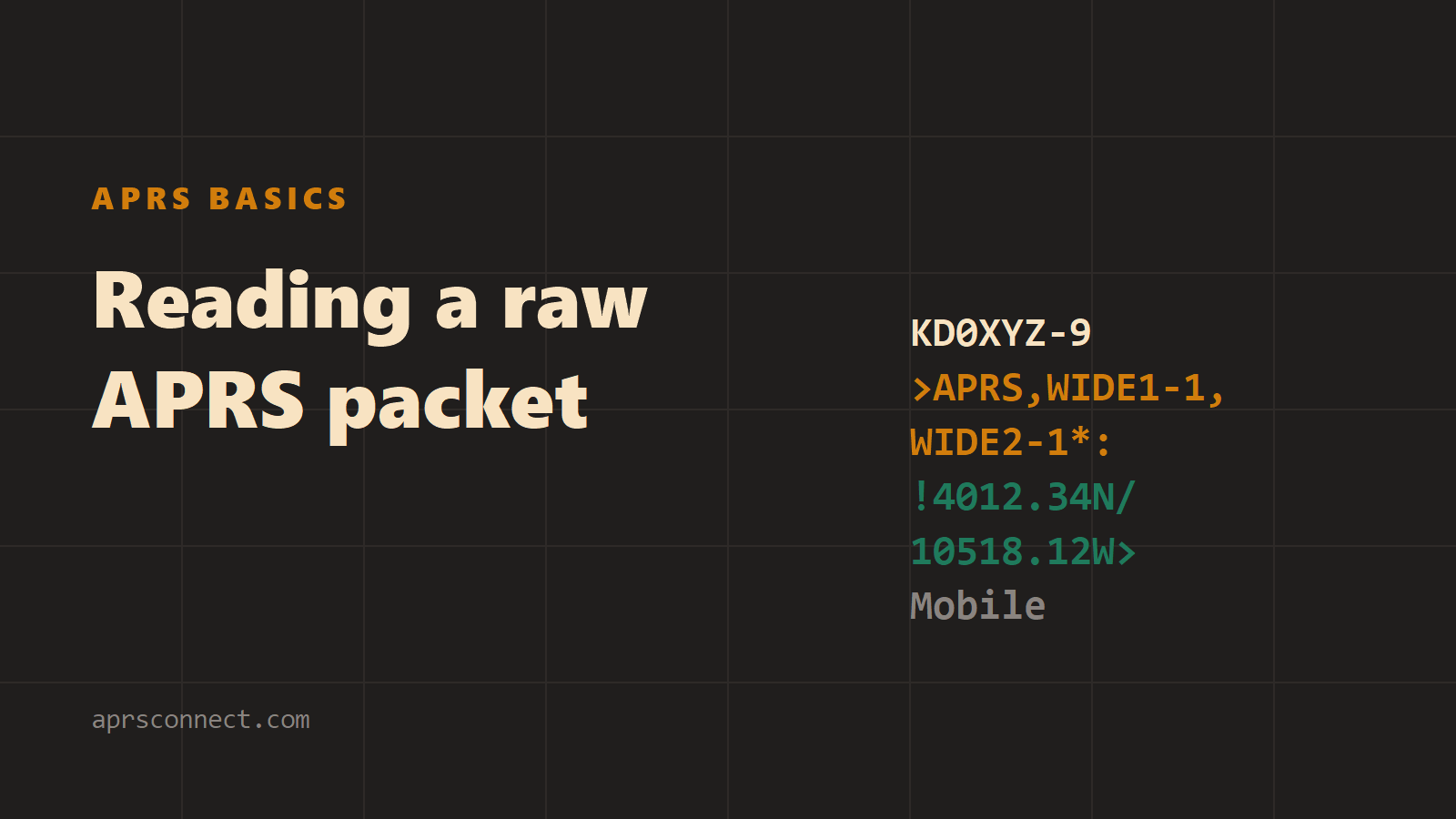
This post is for anyone who has opened a packet log, seen a line like KD0XYZ-9>APK005,N0XYZ-1*,WIDE2-1:!4212.34N/07123.45W>Heading home, and closed it again. Every character in that line has a job, and once you know the jobs the line reads almost like a sentence.
It takes two packets apart, a position report and a message with its acknowledgement, then shows what the packet inspector in APRS Connect does with the same packet. The packet log and the inspector are free. The callsigns are made up.
The shape of every packet
The form shown here is TNC2 monitor format, the plain-text form most software prints and most logs store: SOURCE>DESTINATION,PATH:DATA. Everything before the colon says who sent the packet and how it travelled. Everything after it is the APRS content, and its first character says what kind of content it is.
A position packet
Here is a position report as the station transmitted it:
KD0XYZ-9>APK005,WIDE1-1,WIDE2-1:!4212.34N/07123.45W>Heading home
| Field | Text | Meaning |
|---|---|---|
| Source | KD0XYZ-9 | Sending callsign and SSID |
| Destination | APK005 | Tocall: the software or device |
| Path | WIDE1-1,WIDE2-1 | Digipeater hops requested |
| Data type identifier | ! | Position, no timestamp |
| Latitude | 4212.34N | 42 degrees 12.34 minutes north |
| Symbol table | / | Primary table |
| Longitude | 07123.45W | 71 degrees 23.45 minutes west |
| Symbol code | > | A car |
| Comment | Heading home | Free text |
Source. The sending callsign, with an SSID from 0 to 15 after the hyphen. The SSID tells one operator's stations apart; by convention -9 is a mobile, and an SSID of 0 is not written.
Destination. In ordinary packet radio the destination is the station you are addressing. In APRS it is not. Nearly every APRS packet is addressed to a tocall, a code from a published list that identifies the program or device that built the packet; APK005 is the list's entry for the Kenwood TH-D75. Nobody replies to a tocall.
Path. WIDE1-1,WIDE2-1 is the usual request for two hops: WIDE1-1 for the first digipeater to hear the packet, WIDE2-1 for one further wide-area hop. The digit after the hyphen is how many hops are left. When a digipeater repeats the packet it uses one up, usually writes its own callsign in place of the alias it consumed, and the hop is shown with an asterisk. The same packet heard after one hop:
KD0XYZ-9>APK005,N0XYZ-1*,WIDE2-1:!4212.34N/07123.45W>Heading home
N0XYZ-1 repeated it, and WIDE2-1 is still unused, so one more digipeater may. Hops before the asterisk have been used; hops after it are still requests. A packet with no asterisk was heard direct from the sender.
Data type identifier. ! is a position without a timestamp from a station that cannot take messages; = is the same from a station that can. / and @ are the same two with a timestamp in front of the position.
Position. Latitude is degrees and decimal minutes, ddmm.mm, followed by N or S. Longitude has three degree digits, dddmm.mm, followed by E or W. The symbol table character sits between them and the symbol code follows the longitude, so / and > together mean a car from the primary table. A sender withholding precision replaces trailing digits with spaces.
Comment. Everything after the symbol code, as free text.
A message packet
KD0XYZ-9>APK005,WIDE1-1,WIDE2-1::N0CALL-7 :Are you on the net tonight?{42
The two colons are not a typo. The first ends the header; the second is the data type identifier for a message. Then comes the addressee, padded with spaces to exactly nine characters (N0CALL-7 is eight, so one space follows it), another colon, and the text, up to 67 characters. The {42 at the end is the message id, up to five characters, which lets the sender match a reply to this transmission.
The acknowledgement is itself a message, sent back to the original sender:
N0CALL-7>APRS,WIDE1-1,WIDE2-1::KD0XYZ-9 :ack42
Same layout: addressee padded to nine, colon, and a text of ack plus the id. An ack carries no id of its own, so it is never acknowledged in turn. Two delivery states in the app rest on these fields: Digipeated means the app heard its own message come back with an asterisk in the path, and Delivered means it heard the ack.
A packet that reached you through APRS-IS carries more path: a q-code recording how it entered the internet system, then the igate's callsign, as in N0XYZ-1*,WIDE2-1,qAR,N0IGT-10. Only N0XYZ-1 was a radio hop.
What the packet inspector does with it
The Packets tab in APRS Connect is the raw feed: every frame the app hears, over the radio or from APRS-IS. Tap any packet and it is taken apart field by field: Source, the device model identified from the destination call (with a note that TOCALL is a software identifier, not a recipient), Type, Position, Symbol, and message IDs. Whatever could not be decoded is listed separately under "Partially decoded".
The same fields, decoded by the packet inspector, with the path drawn as a graph below them.
The Path taken section draws the path as a graph. Digipeaters that actually repeated the packet are marked (* = that hop repeated it), and the globe-marked hops are APRS-IS routing, TCPIP and q-codes; only the hops before them were ever radios. A provenance badge says how the packet reached you: a radio-wave mark for heard over RF, a globe for via the internet, or both marks together. At the bottom is a Hex dump of the frame you can copy out for analysis elsewhere, and the map animates the same path hop by hop when you select the station.
Filters and export
Four quick filters sit above the list, All, RF only, Mine, and Errors, plus a free-text box (filter: callsign, text, type…) that matches against the raw line. Packets that fail to decode are flagged and kept, and the Errors filter collects them. The shared view filter (age window, RF or internet origin, station kind) applies here too.
EXPORT on the Packets tab writes exactly what is on screen, with your filters applied. Settings → Packet log exports the entire log with SAVE CAPTURE TO A FOLDER, one packet per line with timestamps.
Where to read more
Everything in this post is free; only replaying or importing a capture file on the Packet log settings screen needs APRS Connect Pro.