The APRS-IS passcode, and what receive-only means
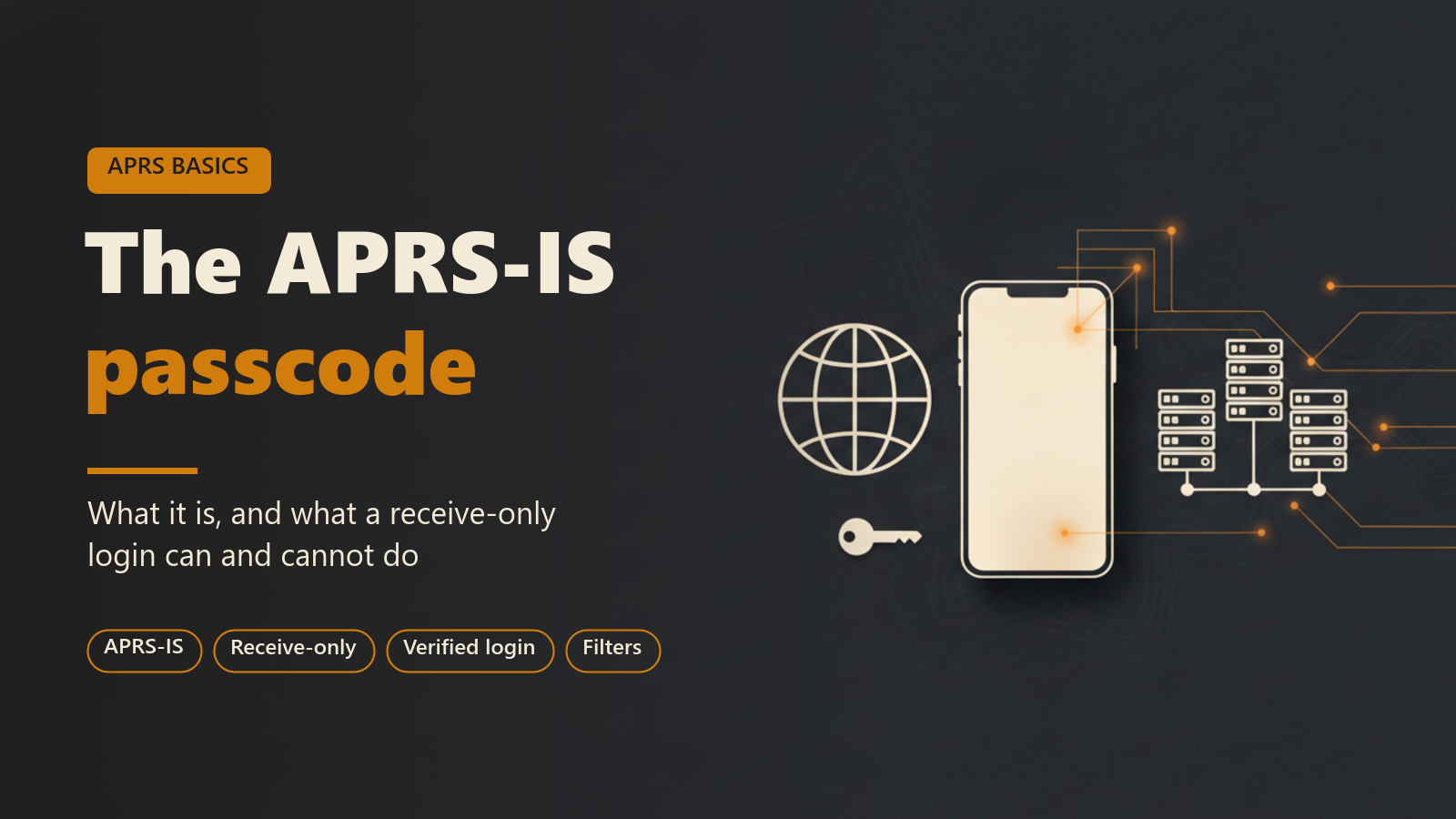
This post is for operators who are new to APRS-IS, and for anyone who has met the word "passcode" in other APRS software and noticed that APRS Connect never asks for one. It explains what APRS-IS is, what the passcode does, and what a connection can and cannot do without a valid one. It then covers how the app handles the passcode and receive-only mode, the receive filter, the server regions, and which parts are free.
What APRS-IS is
APRS-IS is the internet side of APRS. It is the worldwide network that igates feed and that sites like aprs.fi read from. An igate is a station with a radio and an internet connection that passes what it hears on RF to the network.
A client connects to an APRS-IS server, logs in with a callsign, and receives a stream of packets. No radio is involved. In APRS Connect it can run on its own or alongside a radio.
What the passcode is
An APRS-IS login carries a callsign and a passcode. The passcode is a number computed from the callsign. The server does the same computation, and if the two numbers match it marks the login as verified.
The passcode is not a secret in the cryptographic sense. The method is widely known, and the number depends only on the callsign, so it does not prove who is at the keyboard. It works as a gate that keeps stations without a callsign from putting packets into the network by accident.
It is meant for licensed amateurs only. Packets that enter APRS-IS can be sent back out on amateur frequencies by an igate, under the callsign that originated them, so a verified login is a statement that the callsign is yours and that you hold a licence for it.
What a login can do without a valid passcode
A login without a valid passcode is unverified, and an unverified login is receive-only. The server still sends it the traffic its filter asks for, so the map and the station list fill in as usual.
What it cannot do is originate traffic. The server does not pass an unverified client's packets on to the rest of the network. A server accepts and discards traffic from an unverified login without reporting it. The client sees nothing wrong, and the beacon or message goes nowhere.
What changes with a valid passcode
With a verified login, the server passes your packets on. Beacons reach the network and appear on sites that read from it, and messages reach other stations over APRS-IS.
| Login | Receives traffic | Packets it sends |
|---|---|---|
| Unverified (no valid passcode) | Yes, according to its filter | Accepted by the server and discarded, with no error |
| Verified (valid passcode) | Yes, according to its filter | Passed on to the network |
| APRS Connect with Transmit to APRS-IS off | Yes, according to its filter | Refused by the app, with an error |
How APRS Connect handles the passcode
You never type a passcode into APRS Connect. The app derives it from your callsign, so there is nothing to generate on a website and nothing to paste in. If your callsign is set, the login works.
A fresh install comes with an APRS-IS channel in the Channels section of the Radio screen, switched on. It connects as soon as the app has a callsign to log in with. A channel without one shows "Set your callsign first".
The callsign comes from the first-run setup, on the same screen as one checkbox: that you hold a current amateur licence, that the callsign is yours, and that you are responsible for everything transmitted under it. Nothing transmits during setup. The Beaconing box on that screen is off by default.
Receive-only mode in the app
Each APRS-IS channel has a Transmit to APRS-IS switch. With it off, the app logs in read-only, and anything routed to that channel is refused rather than dropped quietly. You get an error instead of a beacon that silently went nowhere.
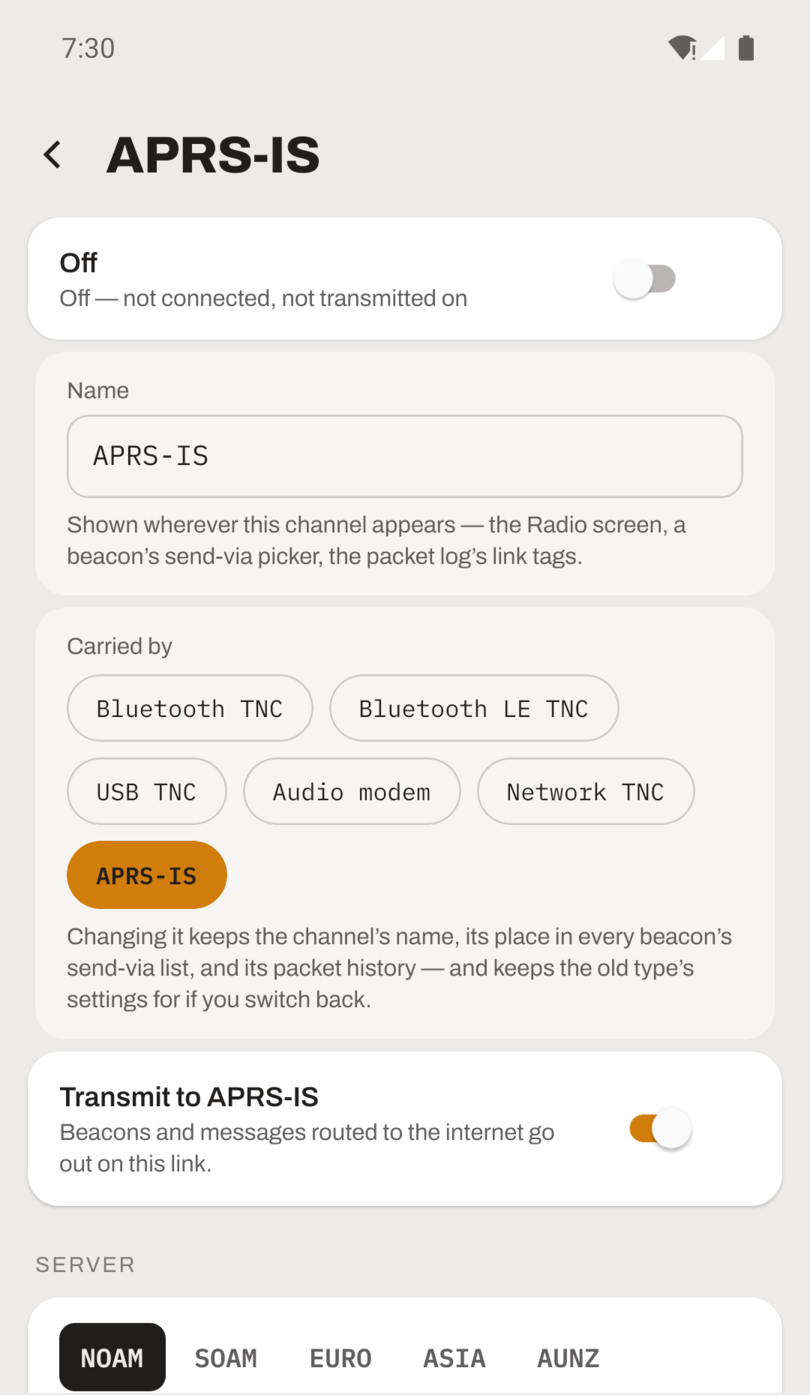
The APRS-IS channel screen, with the Transmit to APRS-IS switch and the server region row.
Receive-only mode is also how you listen without a licence. Transmitting on APRS requires an amateur radio licence. Receiving APRS-IS traffic does not, and a receive-only connection lets you watch how APRS works before you are licensed.
The receive filter
APRS-IS carries the whole world's traffic, and the filter tells the server which part to send you. The app builds one automatically: traffic within 150 km of you, plus anything to or from your callsign.
The filter is always shown on the channel. Tap EDIT FILTER to change it:
- Builder mode has plain controls: My traffic, Nearby traffic (around you, around a fixed point, or none), Watch callsigns (comma separated, wildcards allowed, so
N0CALL*covers every SSID), and Callsign prefixes. - Advanced mode edits the exact filter string sent to the server on login. Terms are OR-ed together, and the app warns before you apply a filter that would admit worldwide traffic.
APPLY reconnects APRS-IS with the new filter. RESET TO AUTOMATIC puts the derived default back.
Server regions
APRS-IS Tier 2 servers are organised into five regional pools, and aprs2.net asks clients to use the pool for their own region. The app picks a regional server for you. The channel editor offers the five as one-tap presets (North America, South America, Europe & Africa, Asia and Oceania) plus a CUSTOM option for a club server or a host you type yourself.
A server on another continent works, but it delays everything, including the echo of your own beacons coming back, which can make your station look like a second one. Port 14580, the filtered-feed port, is the default.
What is free
The app is free to install and use over APRS-IS. That covers sending and receiving over the network, with the range filter or your own filter string, and messaging. Connecting a radio needs APRS Connect Pro, and the full list is in Free and Pro.
Where to read more
- Connect to APRS-IS covers servers, the filter editor and receive-only mode.
- Getting started covers installing the app, setting your callsign and the first-run steps.
- Messaging covers delivery states and the setting that decides whether messages go by radio, by APRS-IS, or both.