How often an APRS station should beacon
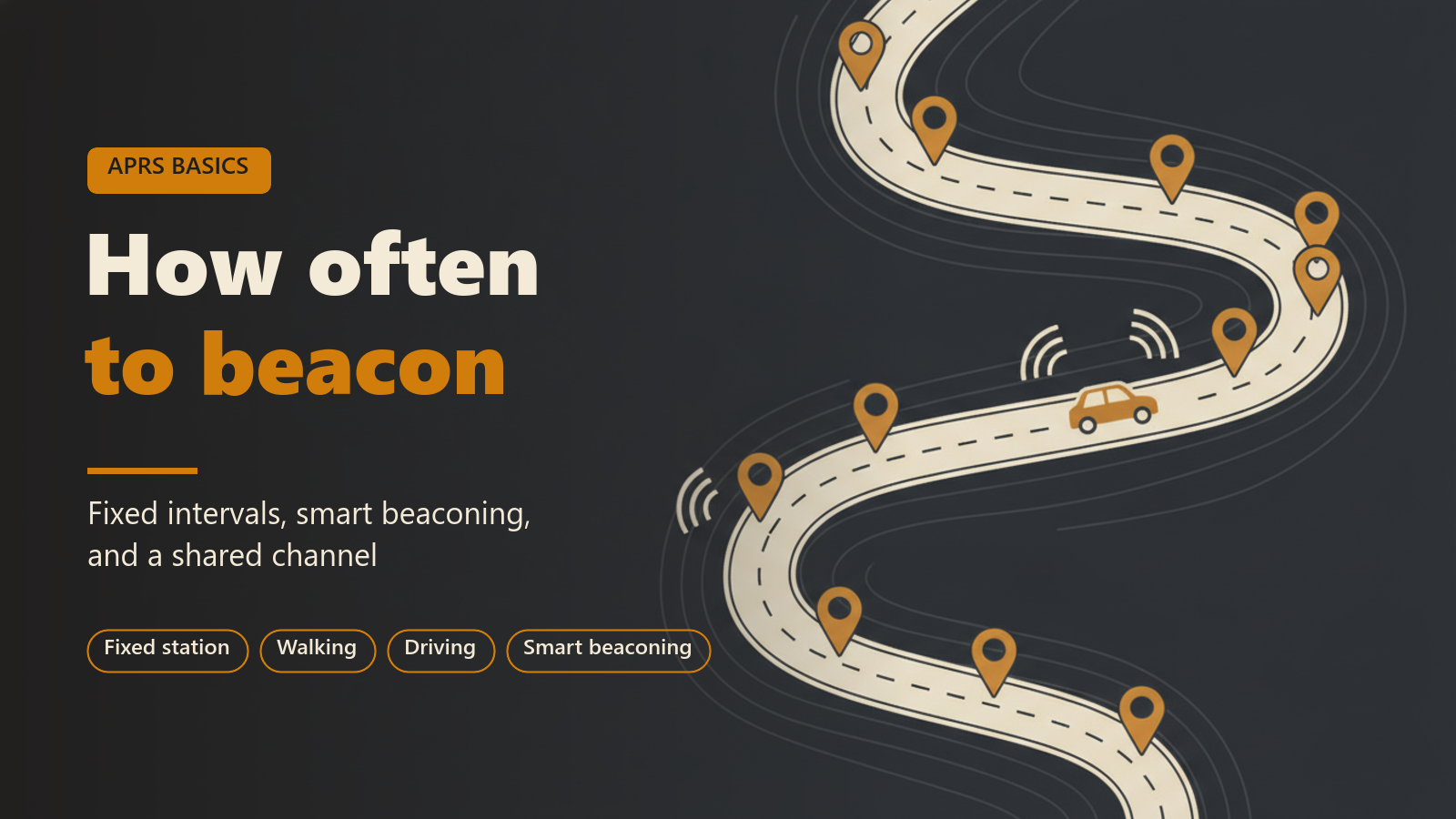
This post is for operators who have a beacon working and want to know whether its rate is right. It covers why the rate matters on a radio channel, the difference between a fixed interval and smart beaconing, the intervals that are commonly recommended for a fixed station, a walker and a vehicle, and where each setting is in APRS Connect.
In brief: the app's default, smart beaconing, suits anything that moves, and a fixed interval of 10 to 30 minutes suits anything that does not.
Why the rate matters on RF
In most places APRS on VHF uses one frequency for everyone, at 1200 baud. Only one station can be heard at a time. A position packet occupies the channel for roughly a second, and each digipeater that repeats it occupies the channel again. A beacon sent with a path of WIDE1-1, WIDE2-1 can be transmitted three or more times across an area before it is finished.
Stations listen before transmitting, but two stations that cannot hear each other will still transmit at the same moment, and a digipeater that hears both receives neither. A station that beacons every 30 seconds does not get tracked better on a busy channel. It lowers the chance that any packet, including its own, gets through.
Fixed interval and smart beaconing
In APRS Connect, open the Radio screen, find the Beacons section, and tap the station beacon. Two chips choose the timing: SMART or FIXED INTERVAL.
A fixed interval is one steady rate. The app offers 1, 5, 10, or 30 minutes, or any custom value in seconds. It suits a station that does not move, because a position that never changes does not need repeating often.
Smart beaconing is the default. The interval scales with speed: by default, 90 seconds at highway speed, stretching to 30 minutes when parked. Corner pegging sends an extra beacon on real heading changes, while ignoring compass jitter when you are stationary. The result is a track that follows the road, with few packets spent on the time the vehicle is standing still.
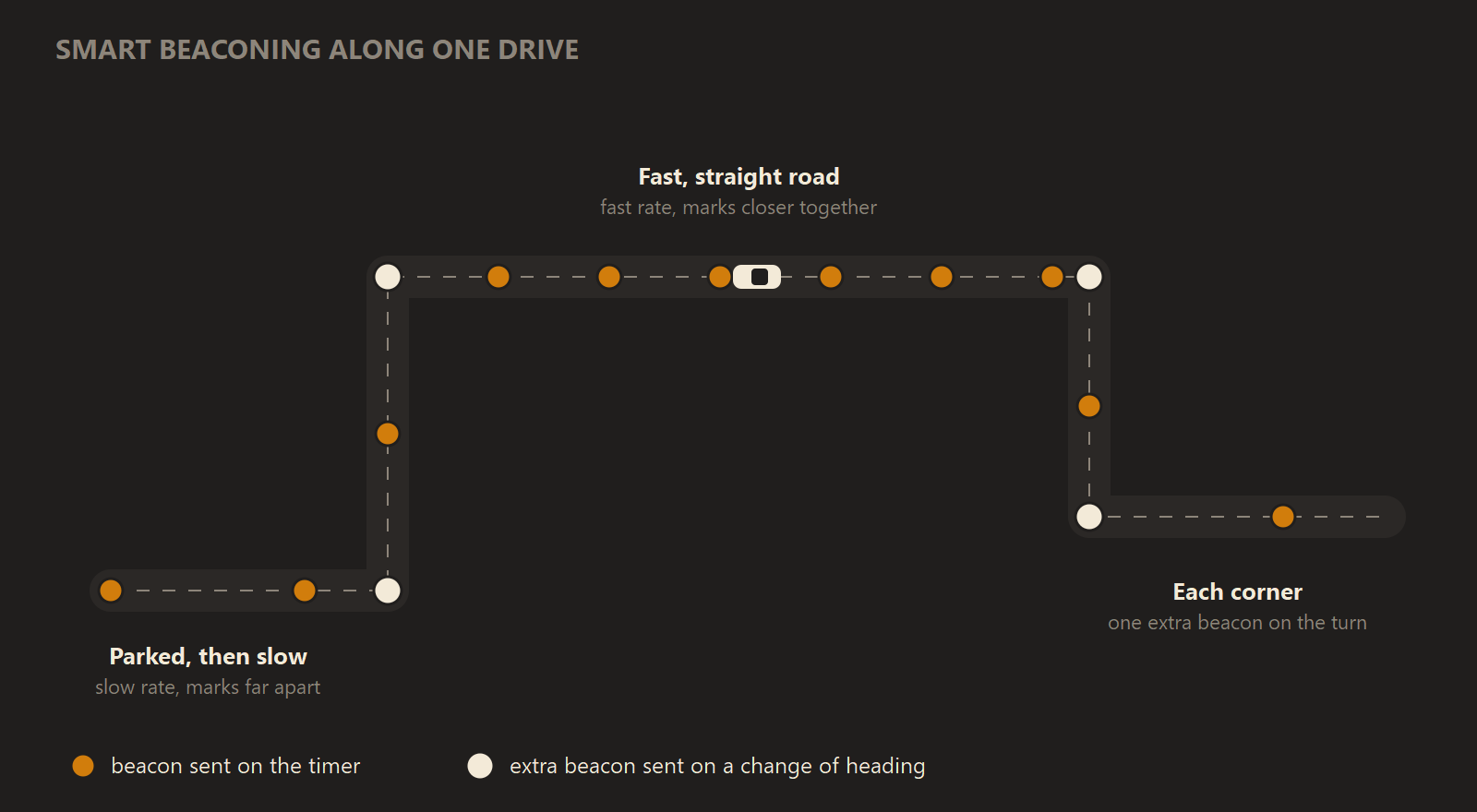
Smart beaconing sends few beacons while parked or slow, more at speed, and an extra one at each real change of heading.
Every parameter is editable. Fast rate (moving), seconds and Slow rate (parked), seconds set the two ends of the range. High speed (fast rate applies), knots and Low speed (counts as parked), knots set where each end applies. Three more fields control corner beacons, including Minimum seconds between turn beacons, which keeps a winding road from flooding the channel. One knot is about 1.15 mph or 1.85 km/h.
Suggested settings by situation
The intervals below are conventions among APRS operators, not rules, and local practice varies. Where a channel is busy, use the slower end of each range.
| Situation | Suggested setting |
|---|---|
| Home station, digipeater site or other fixed location | FIXED INTERVAL, 30 minutes. 10 minutes is the usual lower limit for a fixed station on RF. |
| Vehicle | SMART with the defaults: 90 seconds at highway speed, 30 minutes parked, extra beacons on turns. |
| Walking or cycling | SMART, with High speed and Low speed lowered to fit your pace, or FIXED INTERVAL at 5 minutes. |
| Parked for a long time with the app still running | SMART already falls back to the slow rate. No change needed. |
| APRS-IS only, no radio | The same settings as above. See the next section. |
A walker needs a note. Walking pace is about 3 knots, and smart beaconing thresholds are usually chosen with vehicles in mind. If Low speed is set higher than your walking speed, you count as parked and the slow rate applies for the whole walk. Check the two speed fields against your own pace before relying on smart beaconing on foot.
For smart beaconing to work at all, the app needs speed from the GPS. On Android, grant Precise location when asked. Approximate location gives coarse fixes with no speed information, and smart beaconing then cannot tell moving from parked.
When the beacon goes over APRS-IS only
A beacon sent only over the internet does not occupy a radio channel, so the collision argument does not apply to it. The rate still matters for two reasons. APRS-IS servers are shared, volunteer-run infrastructure, and every packet you send is copied to every client whose filter matches it. Sites such as aprs.fi also store what they receive. The same intervals are a reasonable courtesy.
In the beacon's Send via section, EVERYWHERE sends the beacon on every connected channel, radio and internet alike. You can instead pin a beacon to named channels, which makes it RF-only or internet-only.
The Beacon now button
The Radio screen has a Beacon now button. One press transmits every enabled beacon over every link it is routed to, without waiting for the next interval. It is useful after you arrive somewhere, change your comment or symbol, or want to confirm that a new setup is heard. On Android Auto, the Send beacon button on the car's screen does the same thing.
Beaconing in the background
On Android, the Radio screen's Run in the background row opens a screen with one switch, Keep running in the background, and it is on by default. With it on, beaconing continues with the screen off, behind a persistent notification. With it off, leaving the app stops your beacons, and your station drops off the map until you come back.
Swiping the app out of the recents list stops it deliberately. Android's battery optimization and some phones' own app freezing can also interrupt it, and the background screen reports the battery optimization state.
A station last seen moving whose GPS fix has gone stale stops beaconing, so it does not keep reporting a place it has left. A station last seen stopped keeps beaconing its position.
Where to read more
- Your first beacon is the step-by-step guide to turning the station beacon on.
- Beaconing is the reference for every timing parameter, the path, Mic-E and position ambiguity.
- Background and battery covers the background switch and battery optimization.
The station beacon, with smart beaconing or a fixed interval and beaconing in the background, works without paying. Radio channels, and beacon profiles beyond the station beacon such as a vehicle with its own settings, need APRS Connect Pro. See Free and Pro.