APRS SSIDs explained: what -7, -9, -5 and the others mean
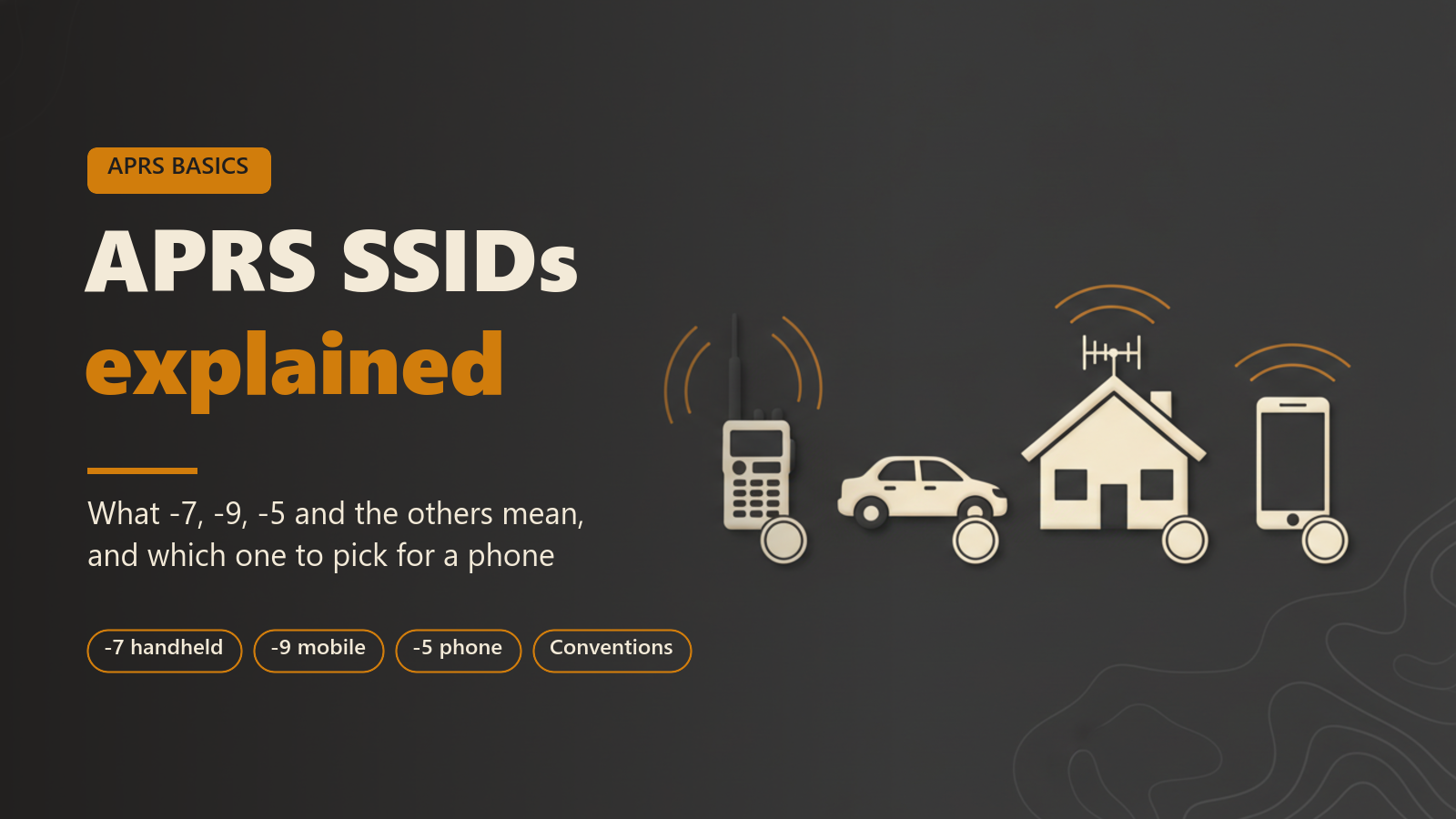
This post is for operators who are new to APRS, or who have used it for a while and never looked closely at the number after the dash in a callsign. It explains what an SSID is, what each value from -0 to -15 conventionally stands for, why two of your stations should never share one, and how to pick one for a phone running APRS Connect.
The SSID meanings below are conventions, not rules. Nothing in the protocol enforces them, and you will see stations on the air that ignore them. They are still worth following, because other operators read them.
What an SSID is
SSID stands for Secondary Station Identifier. It is the number that follows your callsign and a dash: N0CALL-7, N0CALL-9. It lets one licensed operator run several stations at once under one callsign, with each station separately addressable.
The range comes from AX.25, the packet protocol that APRS uses on the air. An AX.25 address holds up to six characters of callsign and a four-bit SSID, so the SSID is a whole number from 0 to 15. An SSID of 0 is normally written as the bare callsign, so N0CALL and N0CALL-0 are the same station.
APRS Connect holds you to the form that fits in a packet: up to six letters and digits, then an optional dash and an SSID from 0 to 15. A space, or a suffix such as /P or /M, cannot go on the air.
The conventional meaning of each SSID
The list most often cited is the set of SSID recommendations published on aprs.org. In summary:
| SSID | Conventional use |
|---|---|
| -0 | Primary station, usually fixed and able to take messages. Written as the callsign with no SSID. |
| -1 to -4 | Generic additional stations: digipeaters, mobiles, weather stations and so on. |
| -5 | Other networks and devices, including smartphones and D-STAR. |
| -6 | Special activities: satellite operation, camping, events. |
| -7 | Handheld radios and other stations carried by a person. |
| -8 | Boats, sailboats, RVs, or a second main mobile. |
| -9 | Primary mobile, usually a vehicle that can take messages. |
| -10 | Internet-connected stations: IGates, EchoLink, Winlink and similar. |
| -11 | Balloons, aircraft and spacecraft. |
| -12 | One-way trackers and devices such as APRStt, DTMF and RFID. |
| -13 | Weather stations. |
| -14 | Truckers and other full-time drivers. |
| -15 | Generic additional stations, as for -1 to -4. |
The map symbol says what kind of station you are more precisely than the SSID does, but the SSID is visible wherever only a callsign is shown. Of the values in the table, -7 and -9 are the most widely recognised.
Why each transmitting station needs its own SSID
Every APRS system identifies a station by the full callsign and SSID together. That includes other operators' clients, digipeaters, IGates and sites such as aprs.fi. If your handheld and your car both transmit as N0CALL-9, the rest of the network sees one station that jumps between two places, and its trail on a map joins the two with straight lines.
Messaging has the same problem. An APRS message is addressed to one exact callsign and SSID, and the acknowledgement comes back from that address. With two devices on one SSID, a message may be acknowledged by the device you are not looking at.
APRS Connect treats the pair as the identity as well. A station's page lists the same operator's other SSIDs (the mobile rig, the home station, the weather station), each linked. A pin stays with one callsign and SSID, so pinning a station's mobile does not pin its home station.
Choosing an SSID for a phone
A phone running an APRS client is carried by a person, so the two conventional candidates are -7 (a station carried by a person) and -5 (the value the published list gives for smartphones). Either will be understood. If the phone spends its time in a vehicle cradle and is your only station there, -9 is the usual choice for a primary mobile.
The more important rule is the one above: pick a value that none of your other transmitting stations uses. If your handheld already beacons as -7, give the phone something else. During first run, the station setup screen explains the conventional choices, and the app suggests sensible defaults.
Where the callsign and SSID are set in the app
The first setup step is Your station: your callsign, an SSID, and a map symbol. The callsign and SSID are entered together in one field, as N0CALL-7. The same screen has the checkbox confirming you hold a current amateur licence, and a Beaconing box that is off by default. You can change all of it later in Settings.
The callsign and SSID are typed into one field on the Station identity screen.
A second SSID on the air at the same time
The callsign and SSID you set are what the station beacon transmits as. That beacon is always present in the Beacons section of the Radio screen, and it can be switched off but not deleted.
To put a second identity on the air from the same phone, you add another beacon rather than changing the station's callsign. Extra position beacons can transmit as a different callsign, such as a club call or a second SSID. Each extra beacon has its own symbol, comment, path, rate and routing. If two enabled beacons would transmit as the same station, the editor warns you that only one of them will go on the air.
The station beacon works without paying. Beacon profiles beyond it, including a second SSID, need APRS Connect Pro.
Where to read more
- Getting started covers the station setup screen and the rest of first run.
- Your first beacon covers turning the station beacon on and checking that it went out.
- Beaconing is the reference for extra beacons, paths and timing.
- Free and Pro lists what needs a subscription. Of the things in this post, only the extra beacon profile for a second SSID needs Pro.