APRS without a TNC
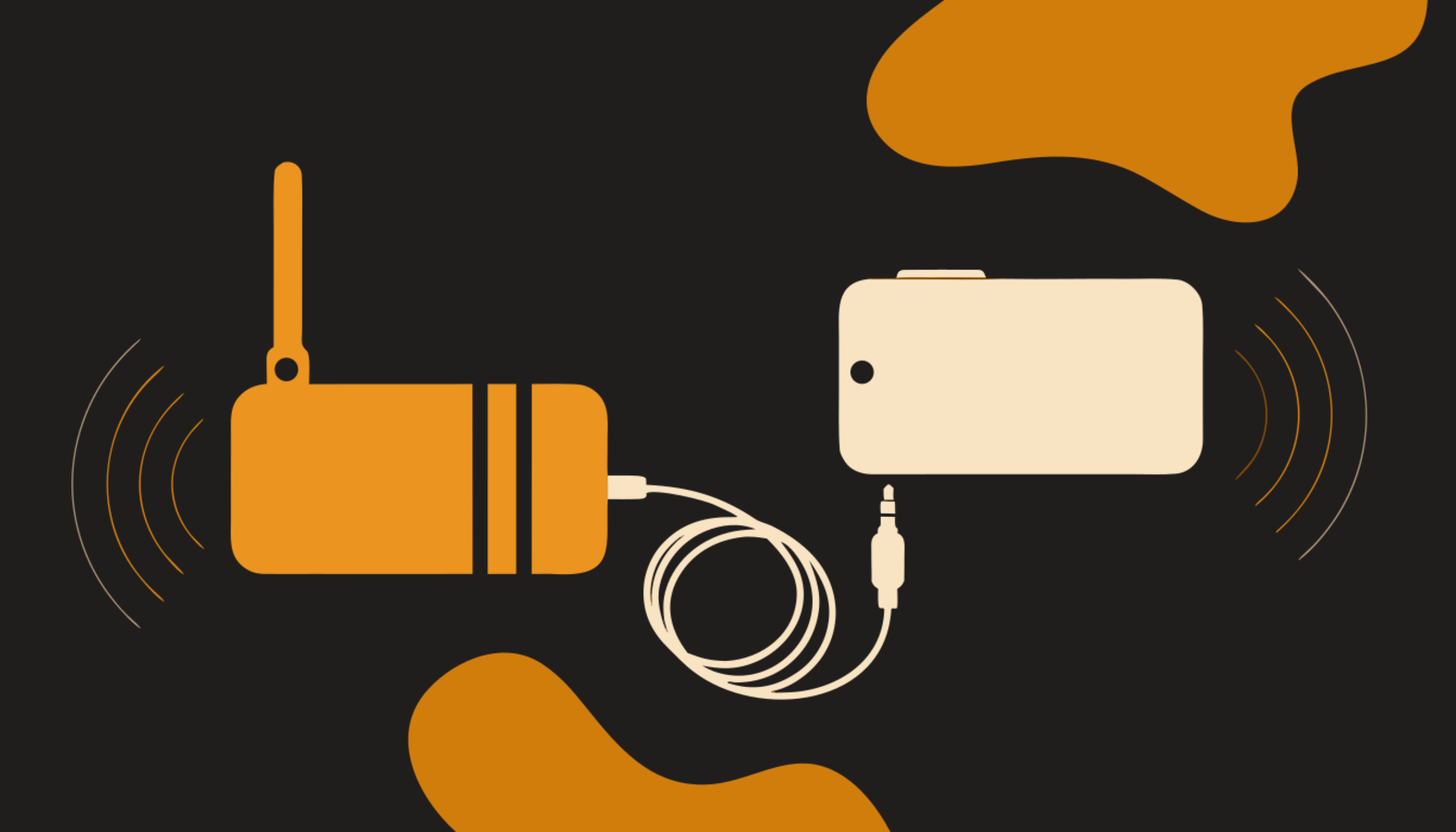
The usual answer to "how do I get on APRS?" starts with buying a TNC — the modem that turns packets into audio tones and back. It is a fine answer, but there is a cheaper one: APRS Connect carries a software TNC, so the phone itself does the encoding and decoding. Any radio with a speaker and a microphone connection can work APRS, from a decades-old mobile rig to an inexpensive handheld. What connects them is an audio cable.
What the modem does
VHF APRS runs on AFSK 1200 — the Bell 202 tones packet radio has used for decades. The app's audio modem generates those tones on transmit and decodes them on receive, entirely in software. Add it on the Radio screen like any other channel: Add channel → Audio modem.
The wiring
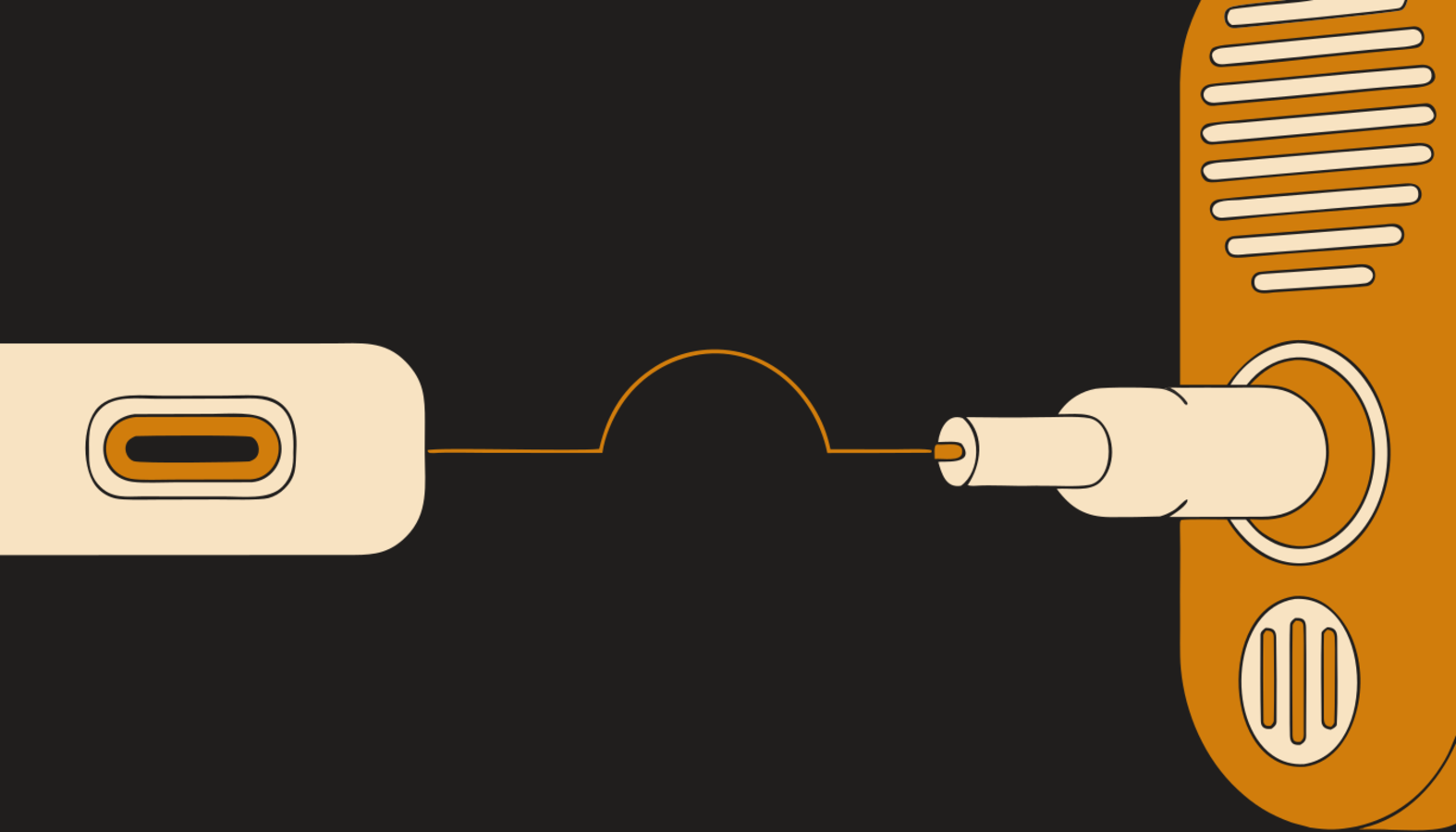
Two directions, and they are independent: the radio's speaker or headphone output into the phone's audio input, and the phone's audio output into the radio's microphone input. How you get there depends on your hardware — a USB-C audio adapter, the headset socket if your phone still has one, or an interface like a Digirig that shows up as a USB sound device.
Keying the transmitter
Receiving needs no keying at all — cable the audio across and packets start decoding. Transmitting needs the radio keyed, and the channel offers two ways:
- VOX — the tones key the radio themselves. Give the transmit delay enough room to open the transmitter, or the start of every packet is lost.
- A serial PTT cable — a handshake line on a USB adapter keys the radio, which is what a Digirig does. The keying line is RTS on almost every commercial interface.
Setting levels
There is no gain slider in the app, on purpose — the demodulator normalises what it hears, so a software volume knob would move a meter without decoding a single extra packet. The levels that matter are the real ones at each end of the cable: receive level is the radio's volume knob, and transmit level is Android's own volume for the output you chose. The decode counters tell you which way to turn — nothing heard means check the cable and the squelch; corrupted packets mean the signal is getting through too hot, so turn the radio down.
What to expect
Receive and transmit both work over the air. The modem also carrier-senses: it recognises other stations' packet transmissions and waits instead of transmitting over them. It cannot detect voice, so it will not hold off for a net in progress — pick your frequency accordingly.
The full setup guide, including the input-source troubleshooting order and the audio-routing warnings, is in the documentation: the audio modem. If you later add a hardware TNC, the same radio moves to a Bluetooth, BLE, or USB channel and everything else stays the same.