Keeping APRS running when the phone screen is off
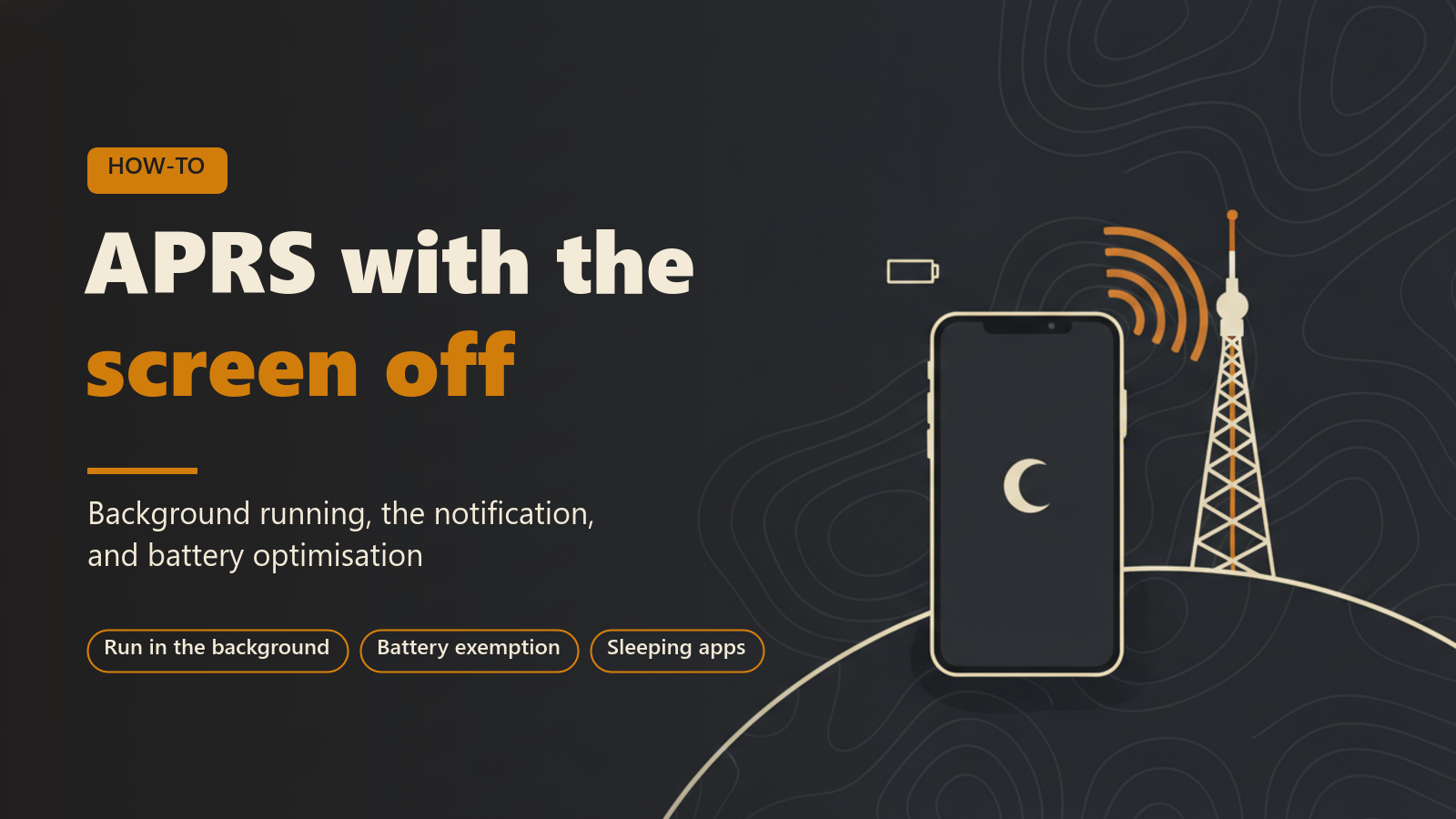
This post is for anyone who uses APRS Connect on an Android phone and wants messages to arrive and beacons to keep going out while the screen is off. It covers the one switch that controls background running, the notification that goes with it, the Android battery setting that can still interrupt reception, what all of this costs in battery, and how the app records the times it was not receiving.
Everything here describes Android.
Why a phone stops an app that is off screen
Android puts apps to sleep to save battery. A sleeping app has its network cut, so an APRS client in that state receives nothing. Messages sent to you during that time wait until the next time you open the app.
APRS Connect can keep receiving and beaconing with the screen off, and the behaviour is controlled from one place.
The switch
On the Radio screen on the tab bar, the Run in the background row opens the background screen. It has a single switch, Keep running in the background, and it is on by default.
On means that whatever is already running carries on when the app leaves the screen. If an APRS-IS or TNC link is up, it stays up. If beaconing is on, your beacons keep going out. The switch never starts anything by itself: a fresh install with nothing switched on posts no notification and transmits nothing.
Off means the app receives only while it is open. Leaving the app also stops your beacons, so your station drops off the map until you come back.
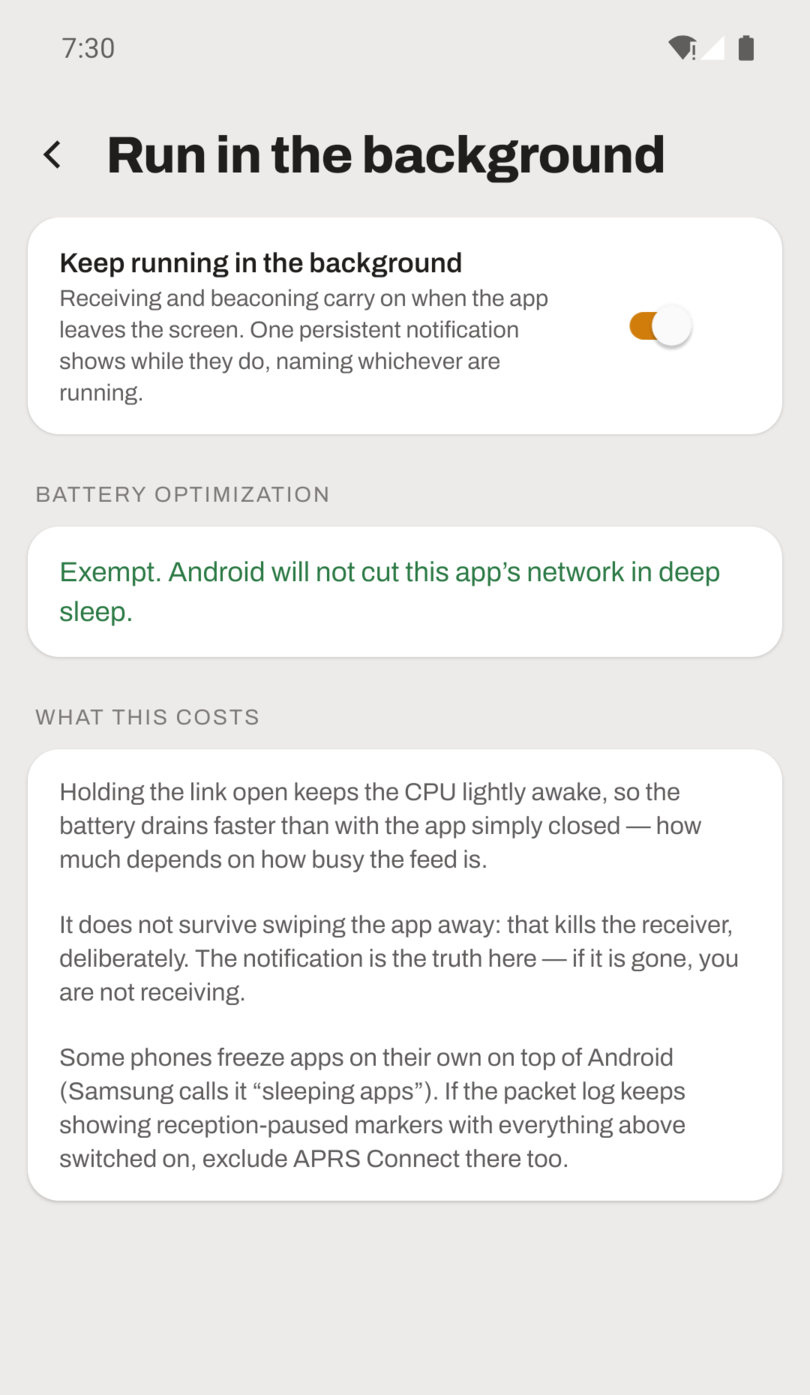
The background screen with the switch on and the battery optimization section reporting that the app is exempt.
The persistent notification
While the app is running in the background, Android shows one persistent notification. It names whichever of receiving and beaconing are actually running.
If the notification is gone, the app is not receiving, whatever position the switch is in. The switch records what you asked for, and the background screen reports what happened: if the link could not be held open the last time the app went to the background, the screen says so in words, with the reason.
Message notifications are separate. They arrive on a dedicated Android notification channel, so APRS message alerts can be silenced or allowed independently of everything else on the phone.
Battery optimization
Even with the switch on, Android's deep sleep can cut the app's network. The background screen has a Battery optimization section that reads the real state from the system and reports one of two things:
- Exempt. Android will not cut this app's network in deep sleep. There is nothing more to do.
- Not exempt. In deep sleep Android can still cut the app's network, which pauses reception even with the switch on. The ALLOW UNRESTRICTED BATTERY USE button takes you straight to the system prompt that fixes it.
If you are not hearing anything, this section is one of the places to look. The other usual causes are an APRS-IS filter that is too narrow and the view filter's age window.
Phone makers that freeze apps on their own
Some phones freeze apps on their own, on top of what Android does. Samsung calls its version "sleeping apps". This is separate from the Android battery optimization setting described above.
If reception keeps pausing with the background switch on and the battery exemption granted, exclude APRS Connect from that feature too.
What it costs
The background screen has a What this costs section, and it states two things.
The first is battery. Holding the link open keeps the CPU lightly awake, so the battery drains faster than it would with the app closed. How much faster depends on how busy the feed is.
The second is that swiping the app away stops it. That is deliberate. Background running survives the screen turning off and the app being behind other apps, but not being swiped out of the recents list. The notification disappearing confirms that the receiver has stopped.
| Situation | Does the app keep receiving? |
|---|---|
| Screen off, switch on, battery exempt | Yes |
| App behind other apps, switch on | Yes |
| Deep sleep, switch on, not exempt | Android can cut the network and pause reception |
| App swiped out of the recents list | No |
| Switch off, app not on screen | No, and beacons stop too |
When reception was interrupted anyway
Two parts of the app deal with interruptions that happen despite the settings above.
A connection that claims to be up but has gone silent is detected and restarted automatically. A dead socket is not left in place reporting that it is connected.
Any stretch where the app was not receiving is marked in the packet log. A RECEPTION PAUSED row says how long reception was down and why. A gap caused by the phone sleeping is labelled as such, so it is not mistaken for a quiet band.
Beaconing with the screen off
Beaconing continues in the background under the same switch, so a smart-beaconed position keeps updating with the screen off. Each beacon's row on the Radio screen says how many beacons have been sent and how long ago, or names the exact problem keeping it off the air, such as waiting for a GPS fix or a denied location permission.
There is one limit, stated on the beaconing screen itself. A station last seen moving whose GPS has gone stale stops beaconing, so it does not keep re-sending a place it has left.
Recommended setup
For messaging and beaconing while away from the phone:
- Leave Keep running in the background on.
- Allow unrestricted battery use when the background screen offers it.
- Do not swipe the app out of the recents list.
- On a phone with its own app-freezing feature, exclude APRS Connect there as well.
If messages are still missed, the QRX missed-messages service in the services directory can hold them for you while you are off the air.
Where to read more
Background running, APRS-IS, messaging and the station beacon do not need a subscription. Keeping a TNC link up in the background involves a radio channel, and radio channels need APRS Connect Pro. See Free and Pro.