TH-D75 owners: your radio and your phone on one screen
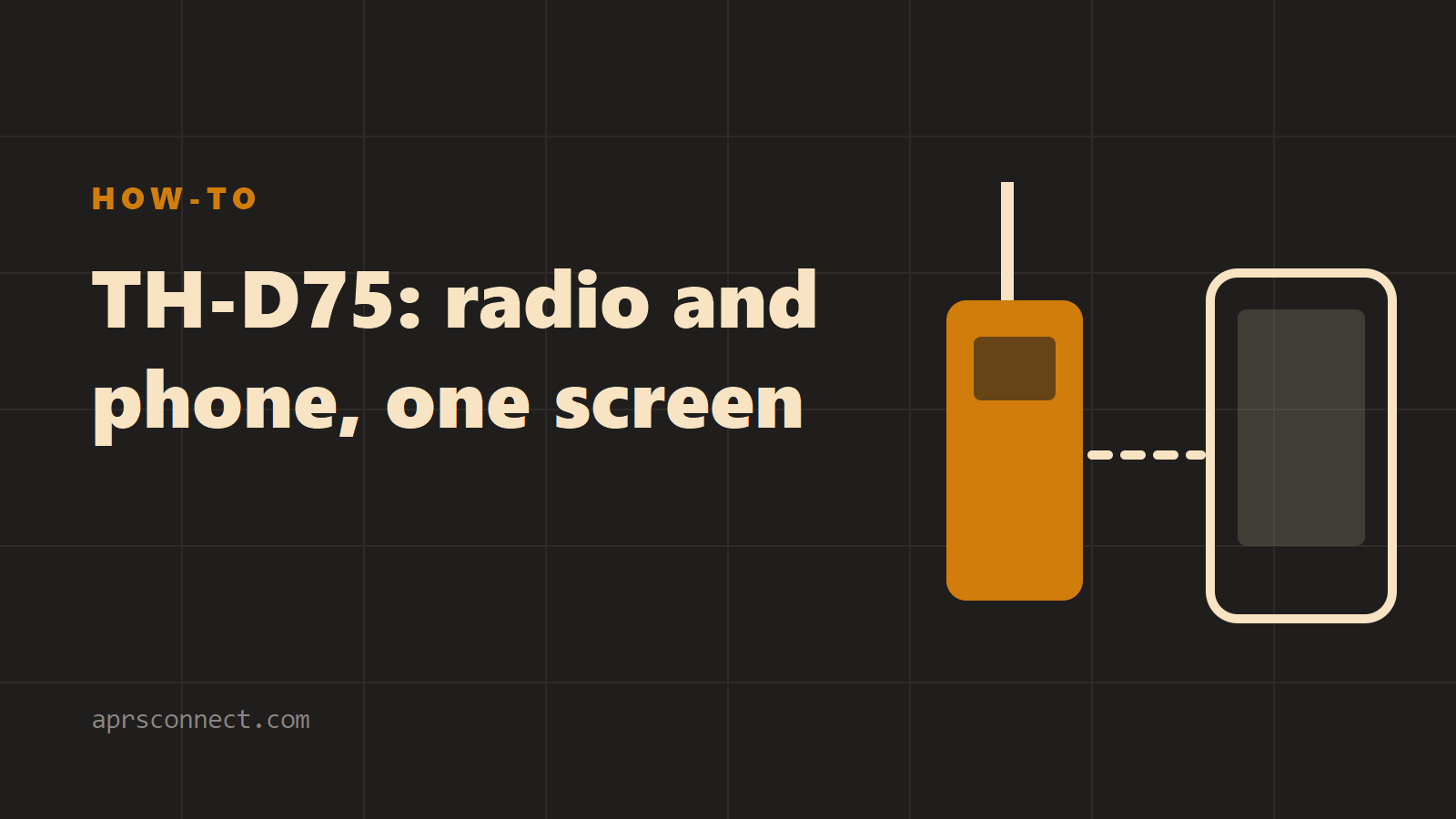
This post is for owners of a Kenwood TH-D74 or TH-D75 who want the TNC built into the radio feeding APRS Connect on an Android phone. Radio channels are part of APRS Connect Pro; the app is free to install and use over APRS-IS.
It covers pairing, switching the radio's TNC into KISS mode, adding the channel, the USB alternative and the one setting the TH-D75 needs there, how the Radio screen reports a link that is switched on but not working, and what running the radio beside APRS-IS gives you.
Pair in Android first
Both radios carry a TNC inside and expose it over Bluetooth Classic, so nothing sits between radio and phone. Pairing is handled by the system, not the app: put the radio in its Bluetooth pairing mode, open Android's Settings → Bluetooth, and pair it like any other device. Skip this and the app's device list reports "No paired devices" and sends you to Android's Bluetooth settings.
Add the Bluetooth TNC channel
- Open the Radio screen (under More on the tab bar) and tap Add channel.
- Pick Bluetooth TNC, not Bluetooth LE TNC; the LE type is for low-energy TNCs such as a Mobilinkd TNC4 in LE mode or a B.B. Link, which never appear in Android's Bluetooth settings.
- The Paired devices list shows every device paired with the phone. A Kenwood TH-D is sorted to the top and tagged LIKELY TNC.
- Tap the radio. The channel connects, and if you have not named it yet it takes the device's name, so the row reads "TH-D75" rather than "Bluetooth TNC".
The first time through, Android asks for the nearby-devices (Bluetooth) permission; the list cannot load without it. The phone holds one Bluetooth Classic connection, so choosing a device here switches off any other Bluetooth channel using it, and the app names that channel before you tap.
Put the TNC in KISS mode
The Bluetooth link only carries bytes; the radio end has to speak KISS. On the TH-D74 and TH-D75 that means switching the built-in TNC into KISS mode, not APRS mode, on the band you use for packet. In APRS mode the radio runs its own APRS client and the phone receives nothing; in KISS mode the radio's own APRS functions are inactive, and only its data band and data speed settings still apply.
This is the single most common setup problem, and the app watches for it. A channel that connects but never hears anything shows "Connected but nothing received yet. If this persists, check the radio is in KISS mode." A connected link with a rising received counter means you are done. A link that is up but has heard nothing for a while shows CONNECTED · QUIET with an explanation; on a quiet frequency that is normal, not a fault.
The channel has one setting of its own, Transmit delay, the tone sent before the data so the far receiver has settled; it is sent to the TNC each time the link comes up.
The USB alternative
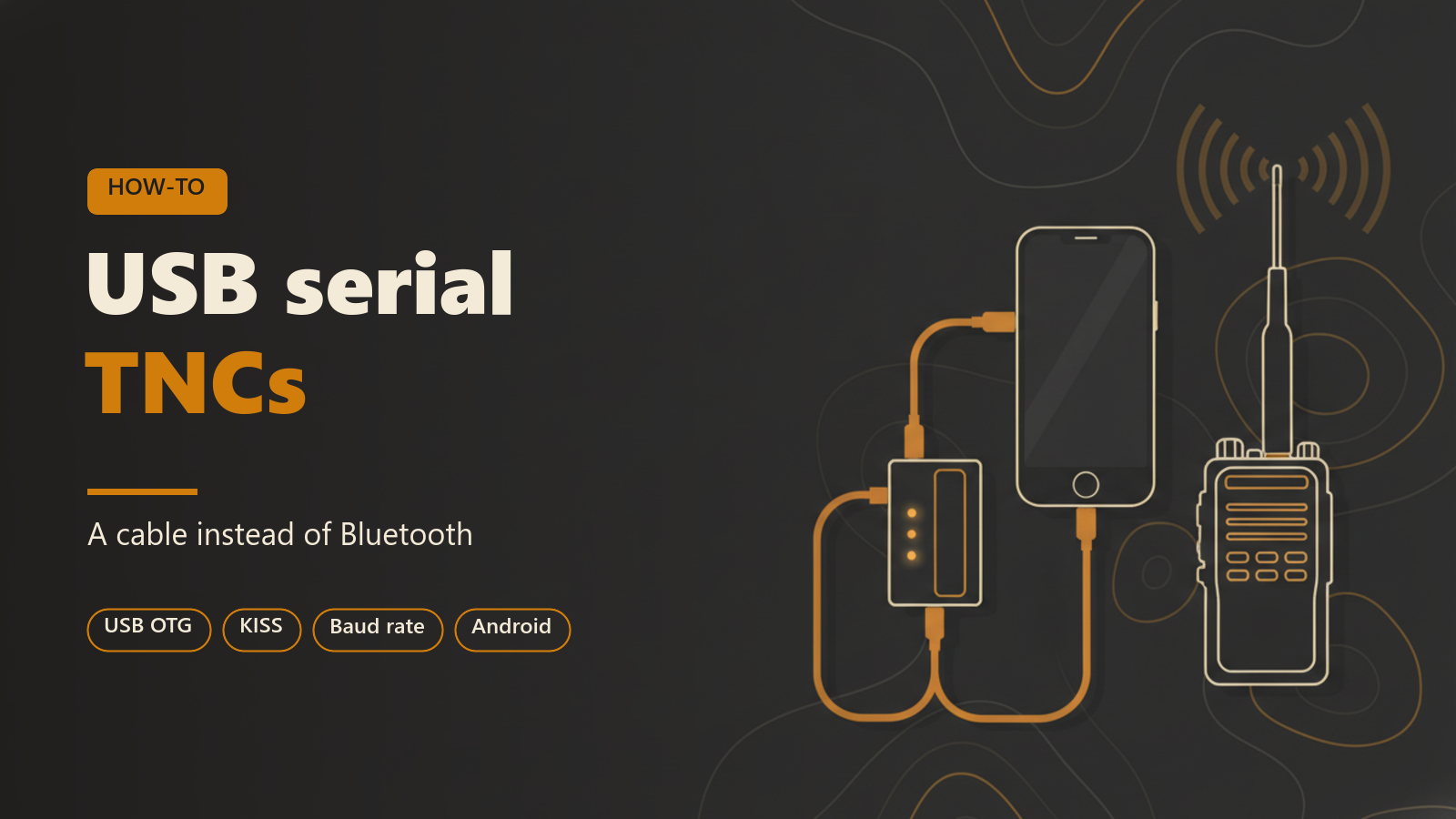
The same radios also work on a cable. Put the radio in its USB KISS mode, connect it to the phone's USB-C port with an OTG cable, and add a USB TNC channel. The radio appears under USB devices, tagged LIKELY TNC; if the list is empty, plug in and tap RESCAN. Android then asks whether the app may access the device. On a TH-D75 the option to remember that choice is disabled, because the radio also presents a USB audio capture interface; "Just once" works, so expect the prompt again after a replug.
Two settings matter here:
- Baud rate stays at the default of 9600, right for a Kenwood's built-in TNC; a wrong rate shows connected and delivers only decode failures.
- Raise DTR must be on for a TH-D75. The app defaults it to off and remembers the choice per device. A device that needs it connects and then drops, repeatedly. The RTS line is never raised, because on many interface cables RTS is the push-to-talk line.
| Bluetooth TNC | USB TNC | |
|---|---|---|
| Radio's TNC mode | KISS mode on the packet band | USB KISS mode |
| Android side | Pair in Settings → Bluetooth | Grant the USB access prompt |
| Setting to check | Transmit delay | Baud rate 9600, Raise DTR on |
| Phone limit | One Bluetooth Classic link at a time | One USB connection at a time |
What the Radio screen tells you
The Radio screen distinguishes intent from reality: a switch that is on but a link that is not working says so, in words, with the reason. Each channel row shows CONNECTED, CONNECTING, RECONNECTING, or ERROR, plus received and sent counters and when it last heard anything. A channel that cannot come up says why its switch is disabled: "Set your callsign first", "No device paired", "No host set". Every row has its own RECONNECT button and a BEACON button that sends your enabled beacons over that channel alone.
Run the radio and APRS-IS at once
Two channels on one Radio screen, the TH-D75 over Bluetooth or USB and APRS-IS over the phone's own connection, each reporting its own state.
A fresh install comes with one APRS-IS channel, and adding the Kenwood does not replace it. The one-link-at-a-time rule applies to Bluetooth, USB and the microphone; network channels have no such limit, so the radio and APRS-IS run together. Running both changes what goes out and what you see:
- Beacons decide where they go. Each beacon's Send via setting is EVERYWHERE, meaning every connected channel, or only the channels you name. A beacon pinned to a channel that is not connected does not go out and does not fall back to another.
- Messages go out over every connected link. The message screen lists every copy that went out, with its time and whether it went by radio, by APRS-IS, or both.
- Two kinds of proof. Digipeated means the app heard its own packet come back through a digipeater, which proves the radio radiated it. Delivered means the recipient acknowledged it.
- Every station carries a provenance badge saying whether it was heard over RF, via the internet, or both, and the messaging screens show RF and internet status as separate indicators.
Where to read more
- Bluetooth KISS TNCs, with the full troubleshooting list.
- USB serial TNC, for the permission prompt, baud rate, and Raise DTR.
- Connect a radio, comparing all six channel types.
- Your first beacon, the next step once the link is up.
Radio channels, including the Bluetooth TNC and USB TNC channels described here, need APRS Connect Pro; the APRS-IS channel does not.