
Blog
-
Moving APRS Connect to a new phone: backup and restore
How to export an APRS Connect backup, what the file holds and leaves out, how to import it on a new phone, and how to restore Pro from the store.
-
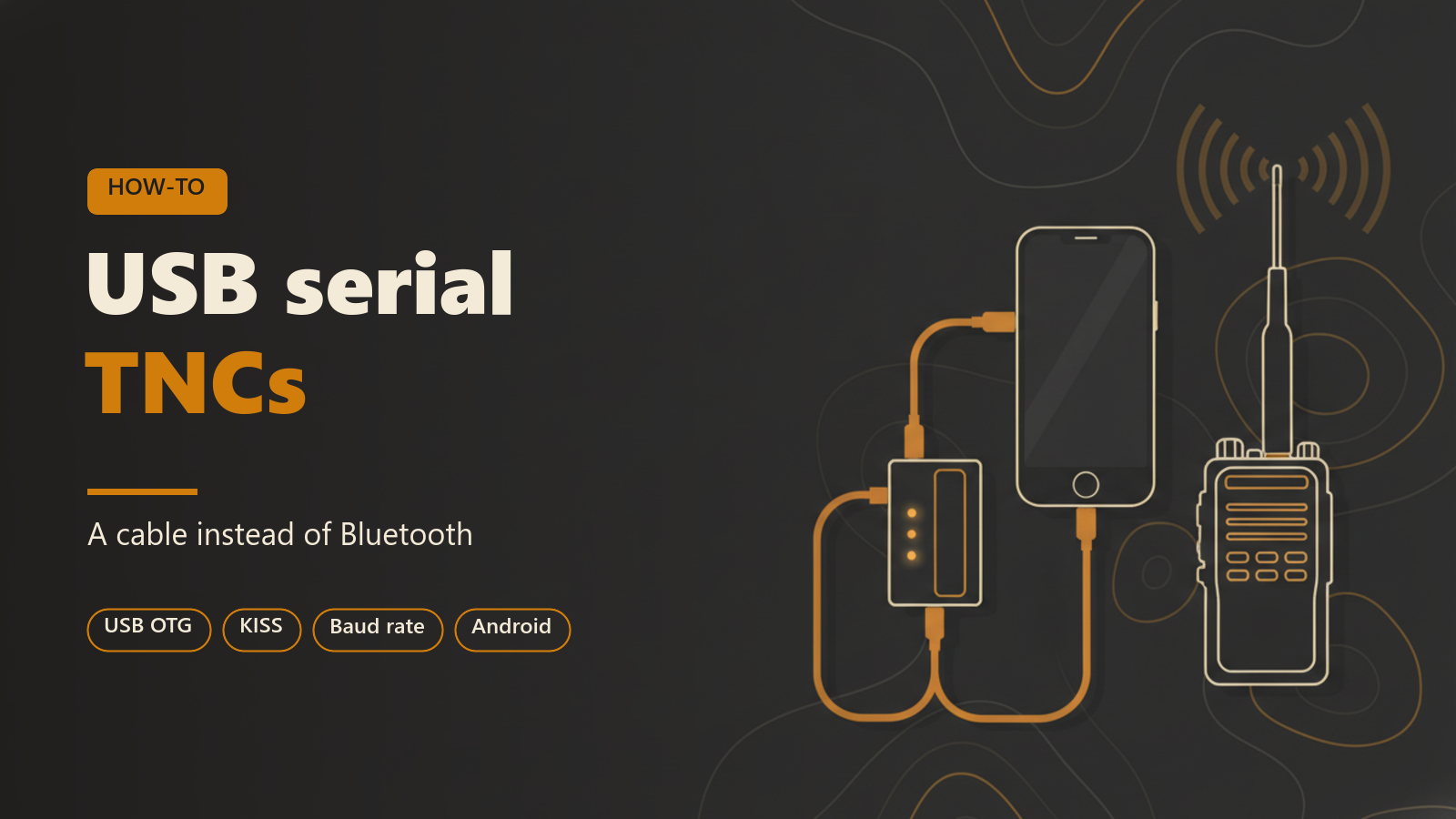
A cable instead of Bluetooth: USB serial TNCs
How to connect a KISS TNC to APRS Connect on an Android phone with a USB cable, including the permission prompt, baud rate and the Raise DTR setting.
-
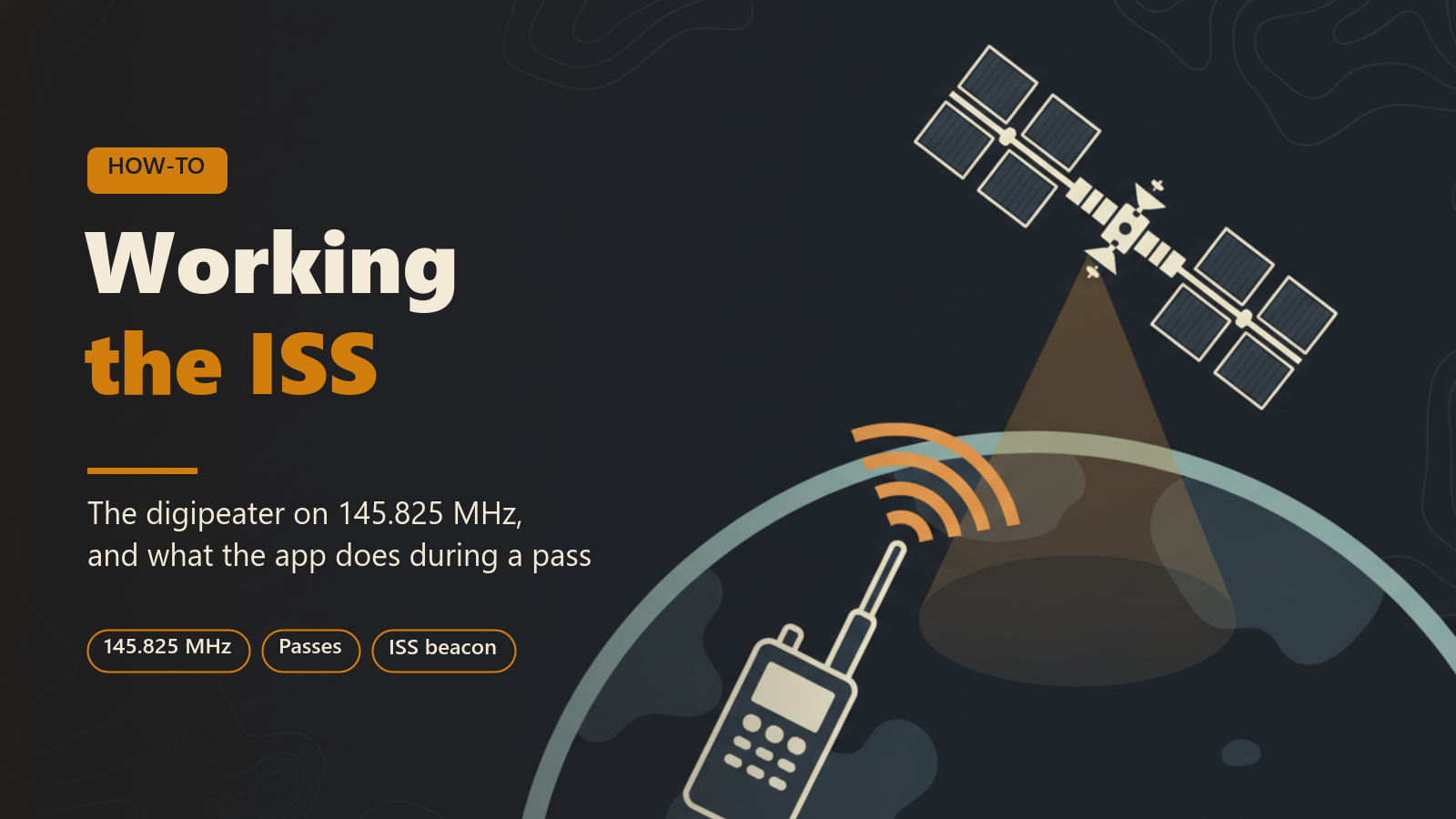
Working the ISS digipeater from your phone
What the APRS digipeater on the International Space Station is, what you need to reach it, and how APRS Connect handles passes, beacons and messages.
-
Keeping APRS running when the phone screen is off
How APRS Connect keeps receiving and beaconing on Android with the screen off, what the battery exemption does, and what it costs.
-
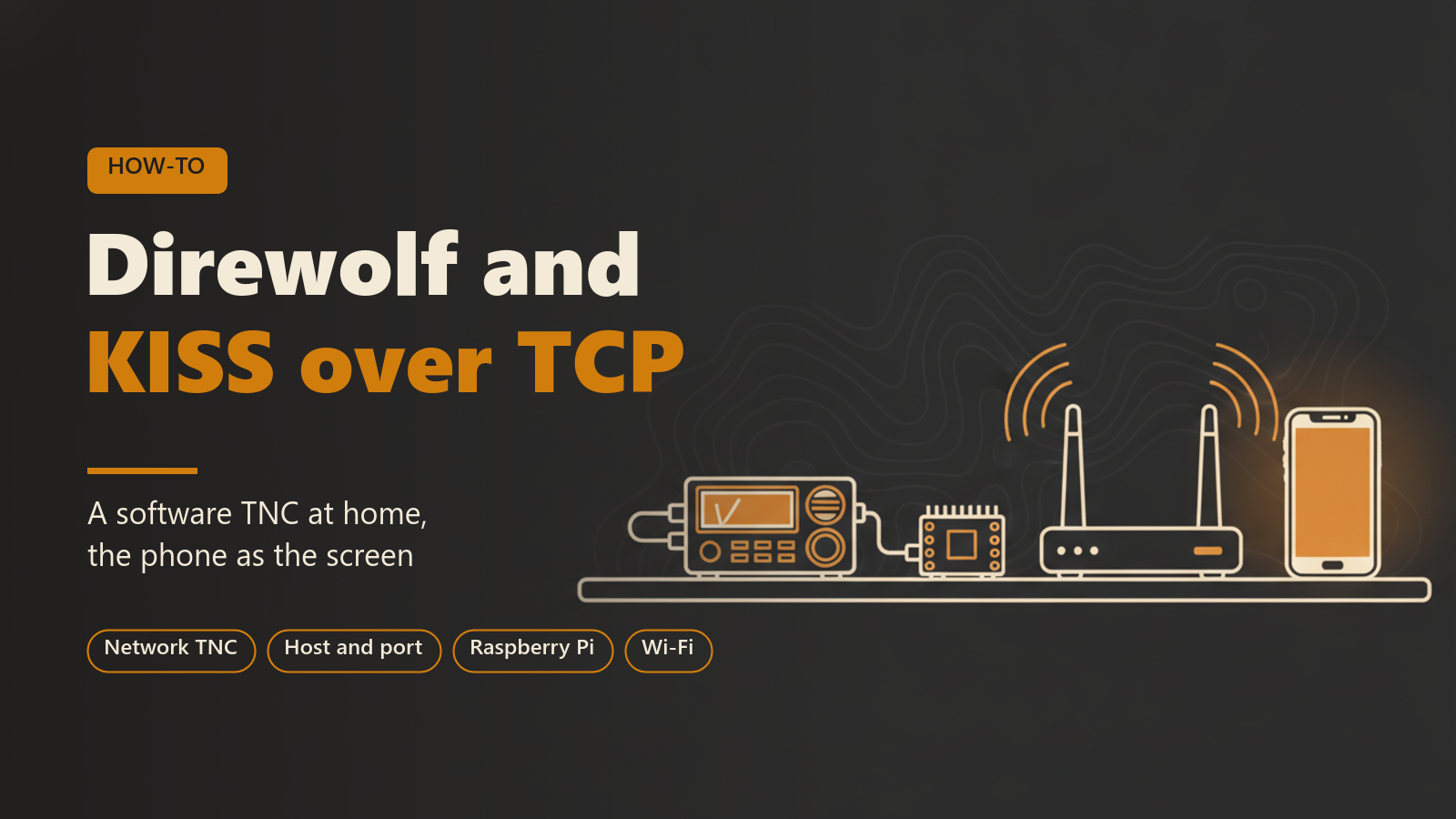
Direwolf at home, the phone as the screen: KISS over TCP
Connect APRS Connect to Direwolf or another network KISS TNC over TCP, with host and port setup, channel states, reconnecting and network limits.
-
Sending a text message or an email over APRS
How to reach a phone, an inbox, or a Winlink account from an APRS station using the SMS, EMAIL-2 and APRSLink gateways in APRS Connect.
-
TH-D75 owners: your radio and your phone on one screen
Connect a Kenwood TH-D74 or TH-D75 to APRS Connect over Bluetooth or USB, put the TNC in KISS mode, and run it beside APRS-IS.
-
Hosting and chasing APRS OTA from the Services tab
How to host and chase APRS OTA ops from the Services tab in APRS Connect, what the bot sends back, and why hosting needs a radio.
-
Checking in to #APRSThursday from your phone
A first #APRSThursday check-in in APRS Connect, end to end: the ANSRVR directory, the net room, the roster, APRSPH logging and delivery states.
-
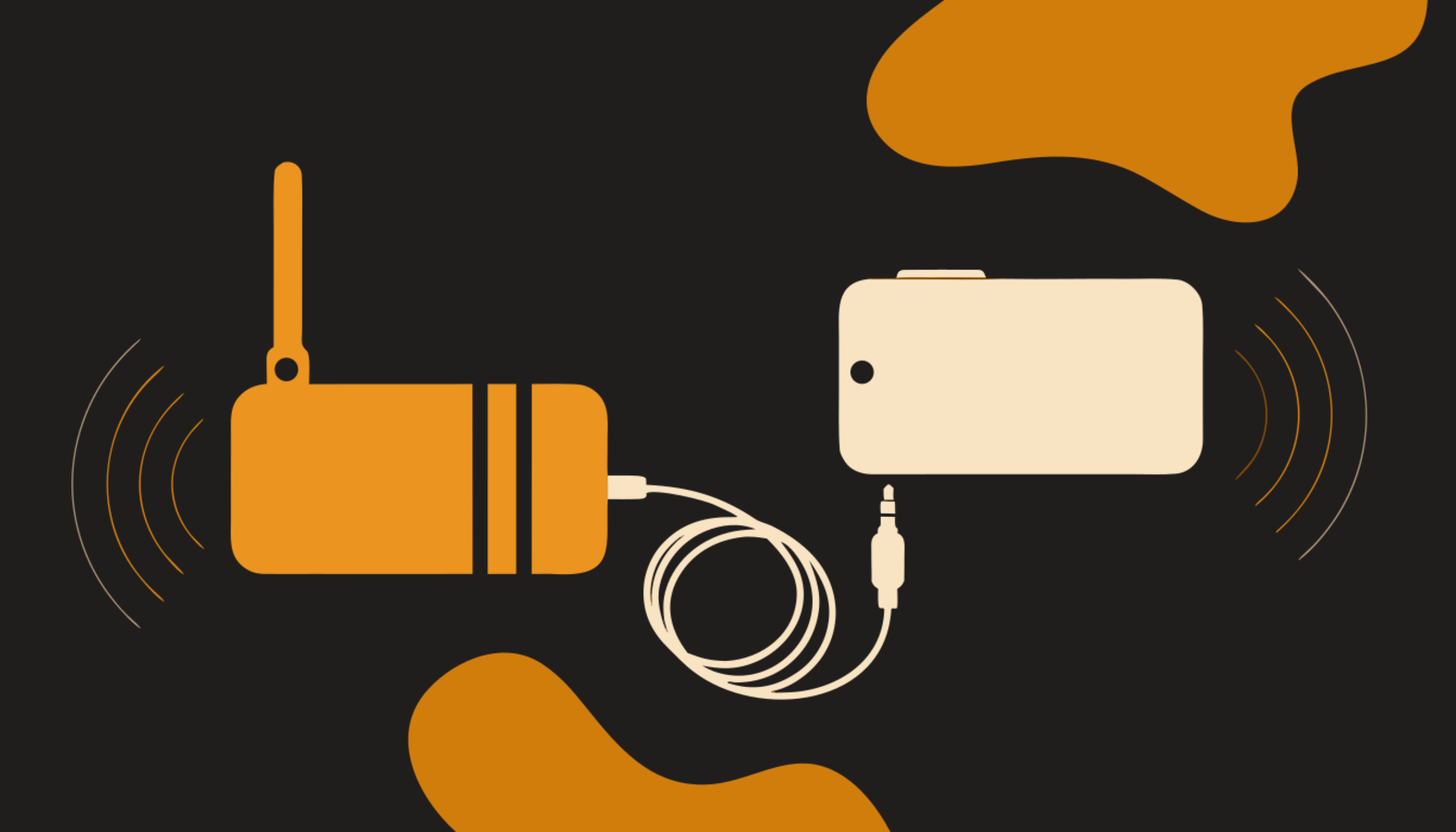
APRS without a TNC
APRS Connect has a software TNC built in: the phone encodes and decodes the packet tones itself, so any radio with a speaker and microphone connection can work APRS through an audio cable.